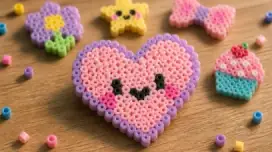
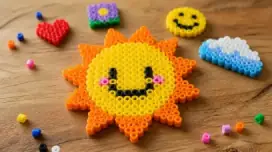
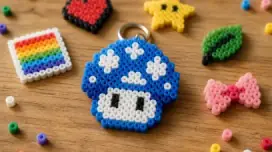
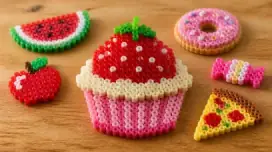
Perler Beads Pattern
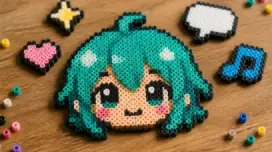
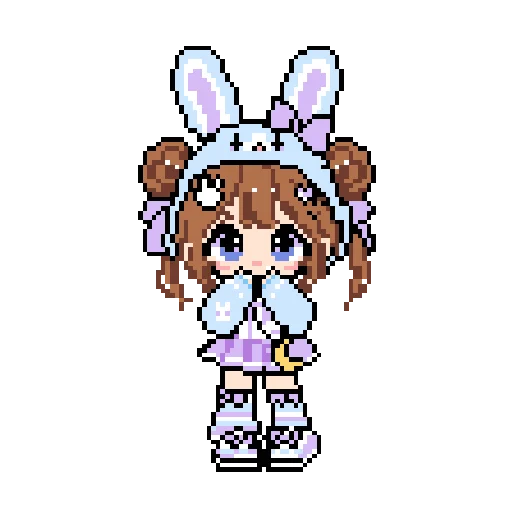
by benji.writes · 64x96 · 2,956 beads
MARD#anime#cute#娃娃
6062
Free downloadView pattern
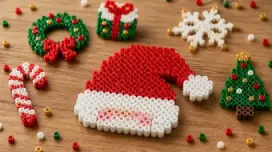
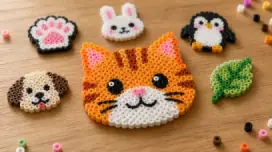
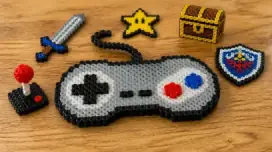
Browse free Perler bead pattern ideas, convert images into bead grids, customize designs, and download printable guides for beginner and advanced projects.

Upload a photo or start from an idea, then adjust size, palette, and color count in the maker.
Popular shared patterns from the gallery, ready to open, inspect, and download.
by benji.writes · 64x96 · 2,956 beads
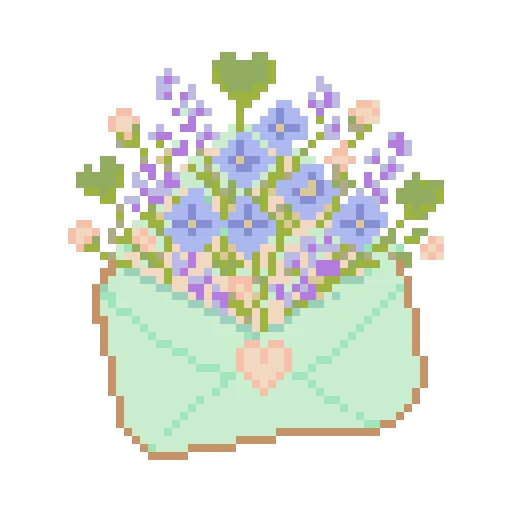
by ava.no.filter · 51x55 · 1,571 beads
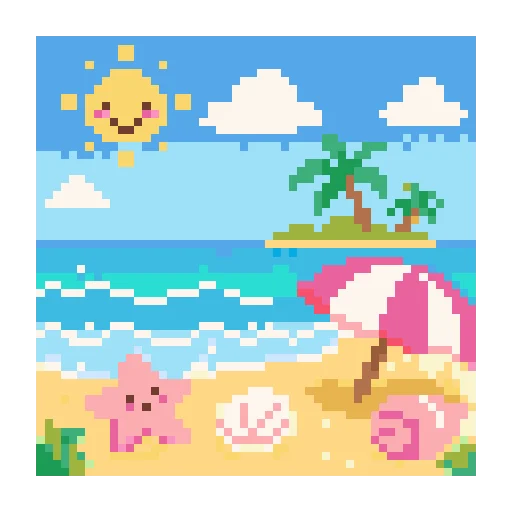
by ava.no.filter · 54x54 · 2,916 beads
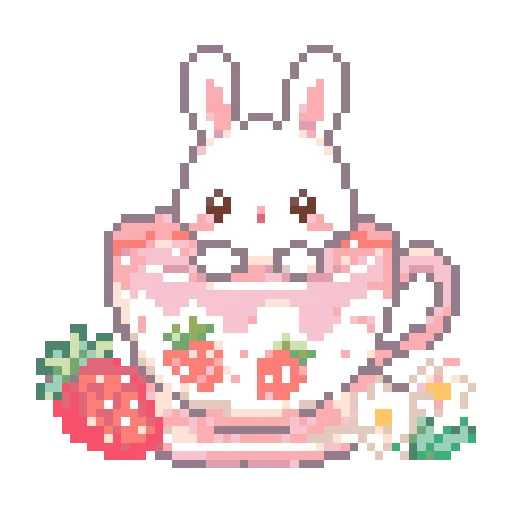
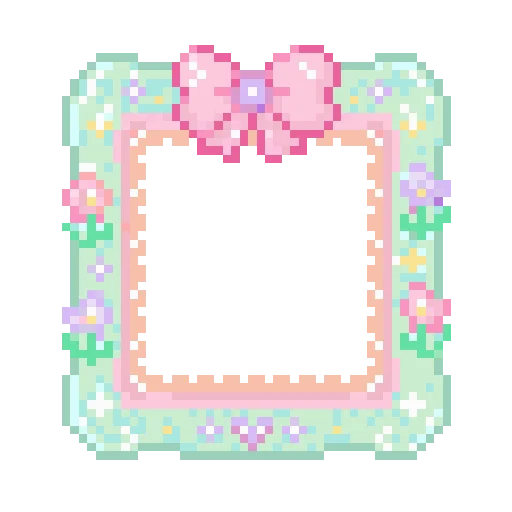
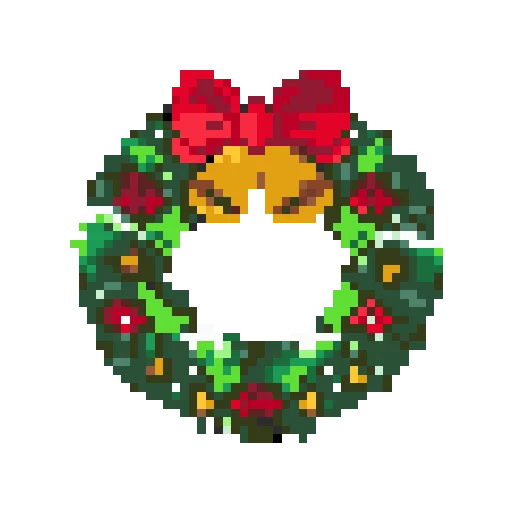
by 小赵早睡失败 · 52x52 · 1,193 beads
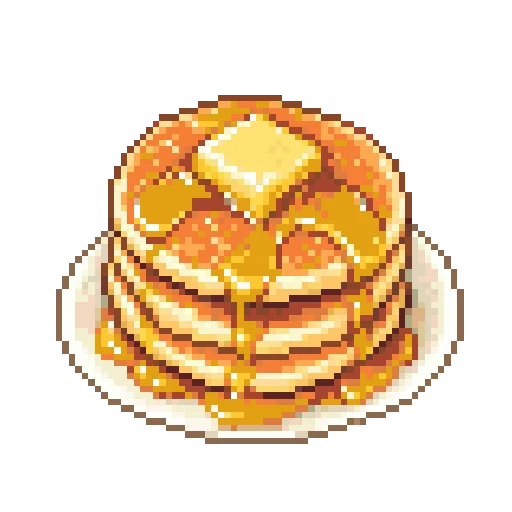
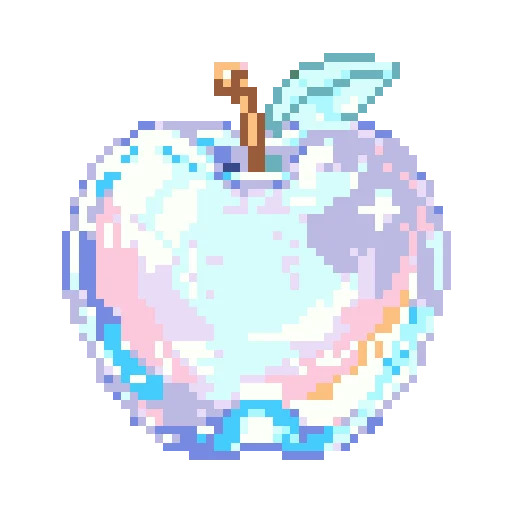
by 小陈今天吃什么 · 52x52 · 1,644 beads
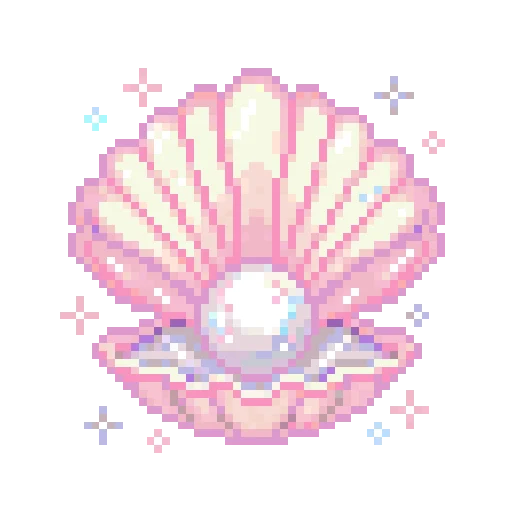
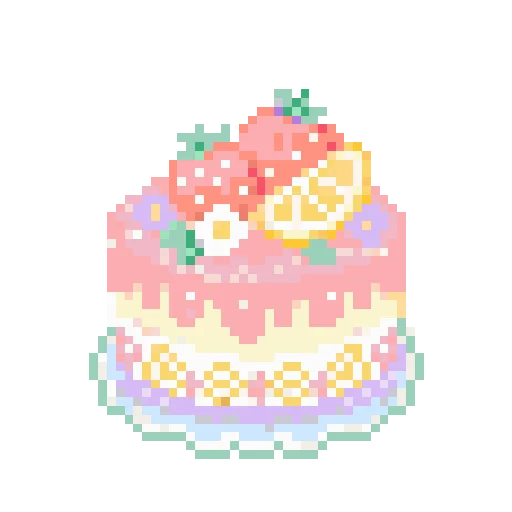
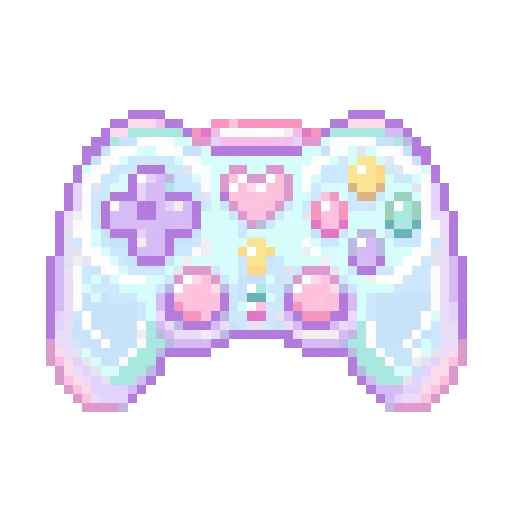

by PYony · 60x60 · 2,013 beads
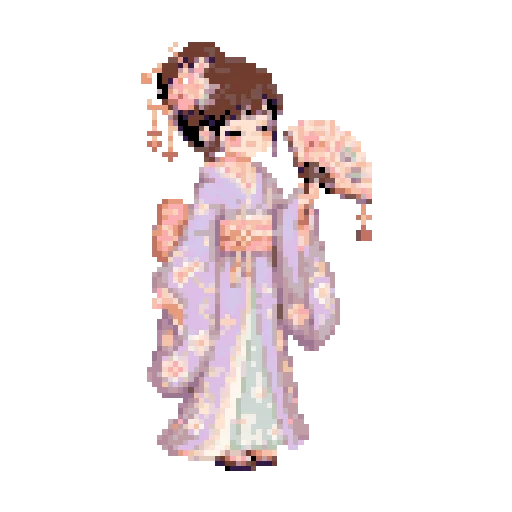
by PYony · 52x84 · 2,259 beads
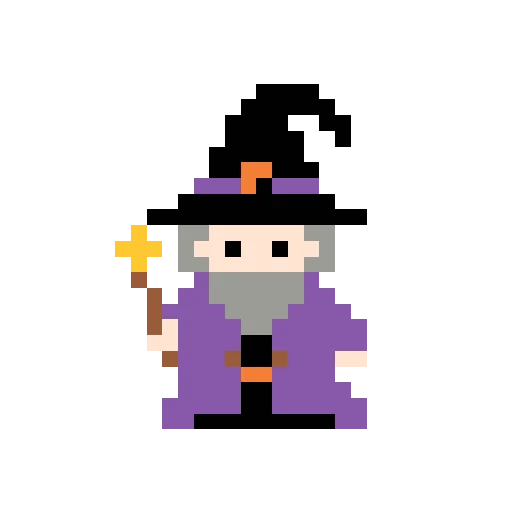
by maxlowbattery · 28x28 · 223 beads
by owenlostagain · 32x32 · 396 beads
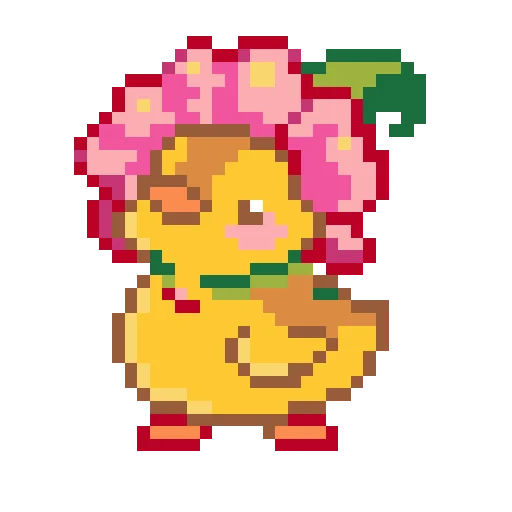
by ava.no.filter · 35x35 · 660 beads
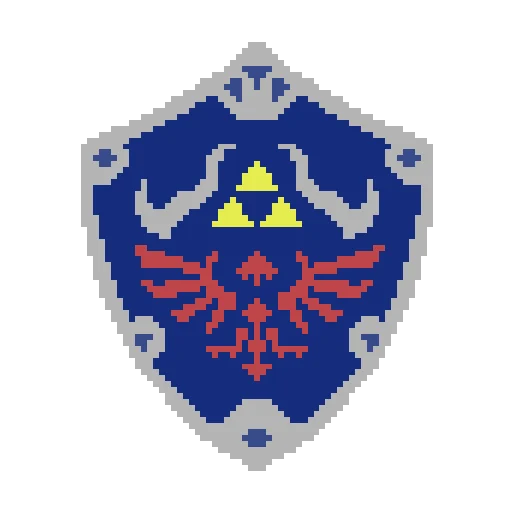
by ellie.in.brooklyn · 61x74 · 2,888 beads
by maxlowbattery · 32x32 · 162 beads
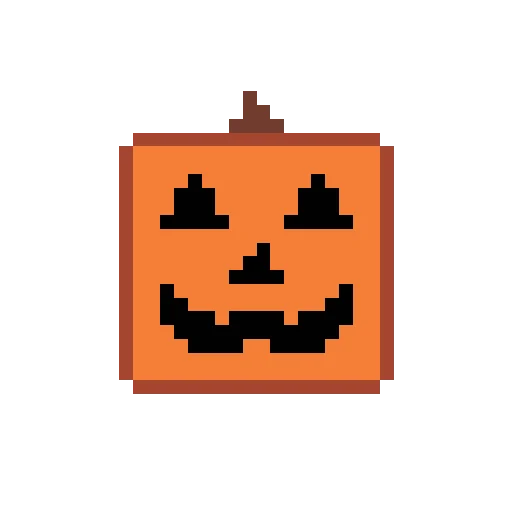
by maxlowbattery · 32x32 · 383 beads
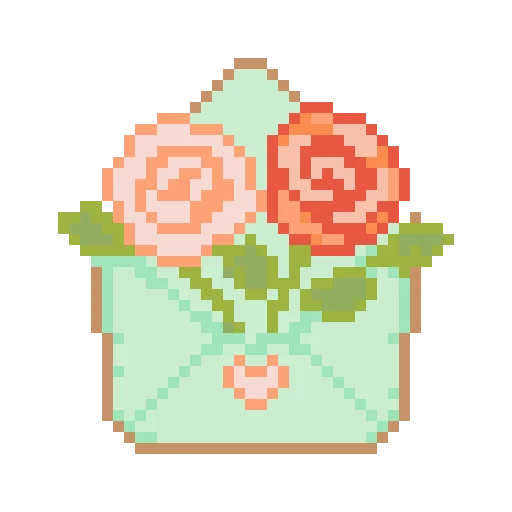
by ava.no.filter · 40x40 · 907 beads
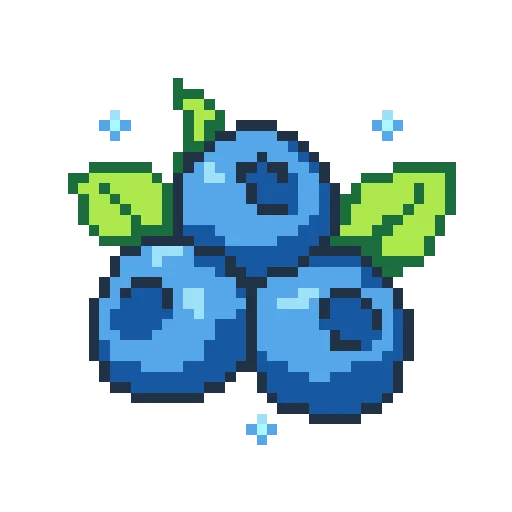
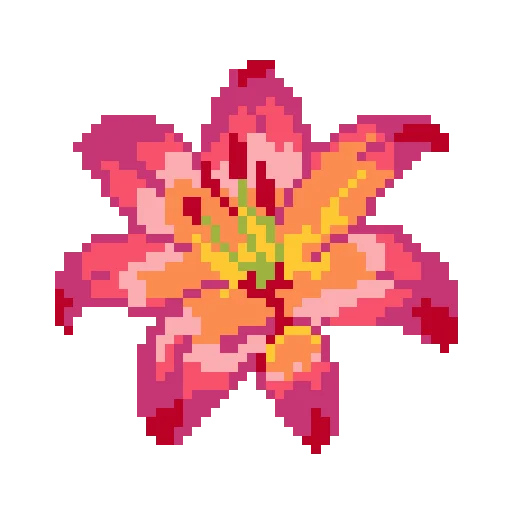

by june.palette · 65x40 · 1,342 beads
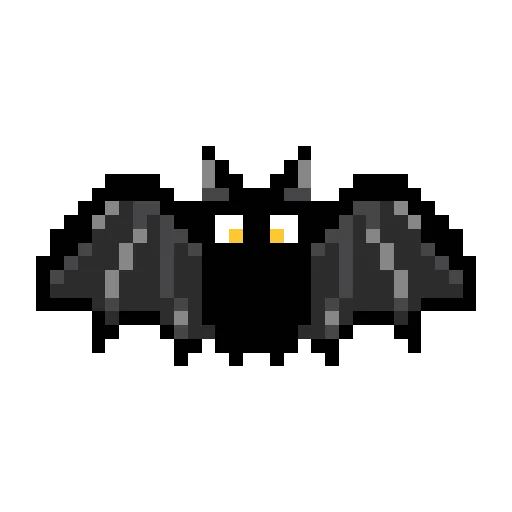
by owenlostagain · 32x32 · 334 beads
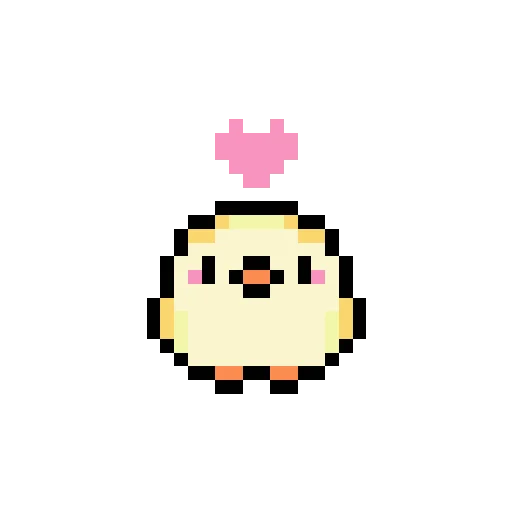
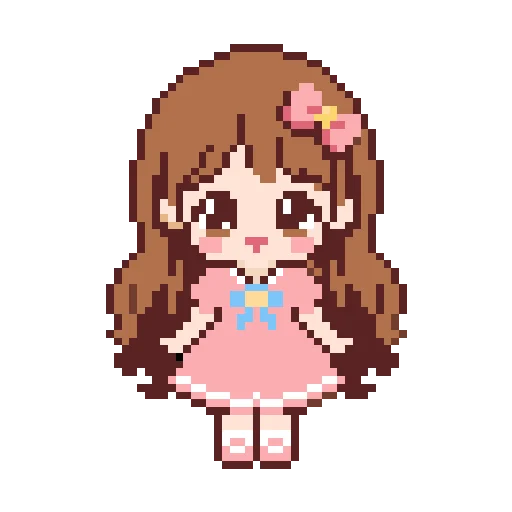
by clara.takes.notes · 41x57 · 1,522 beads
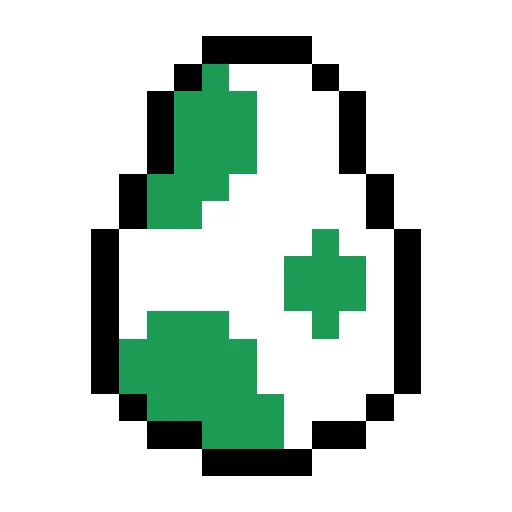
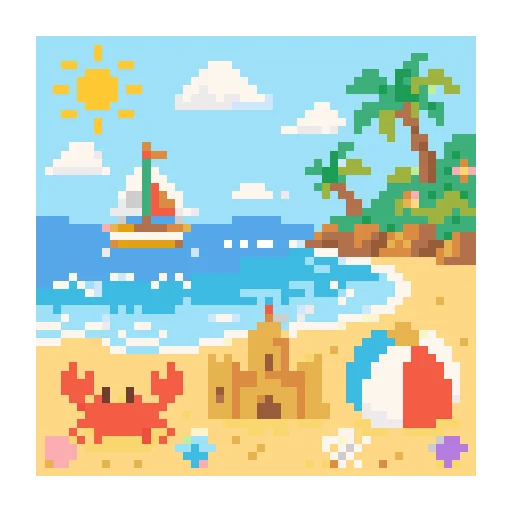
by ava.no.filter · 54x54 · 2,916 beads
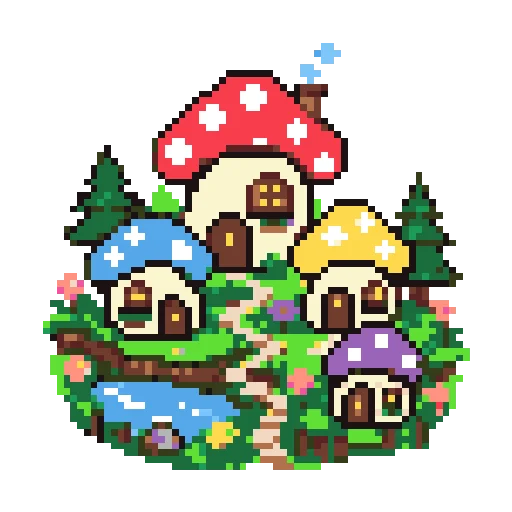
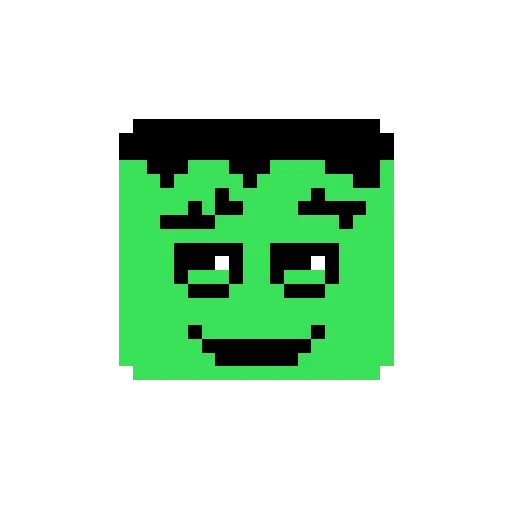
by owenlostagain · 32x32 · 376 beads
Four steps to finish your next bead project.
Pick a design from a category or search, or upload your own image to generate a custom pattern.
Download a printable PDF or image guide with a color chart, grid size, and bead counts.
Gather the matching bead colors, pegboard, iron, and ironing paper before you start.
Place beads on the board following the grid, then fuse them to finish the piece.
Bead patterns are grid-based guides for arranging colored fuse beads on a pegboard before fusing them with heat. A good pattern marks each color position so makers can follow it step by step. They are popular because the materials are affordable, the learning curve is gentle, and finished pieces can become charms, coasters, decorations, gifts, and display art while supporting focus and creativity.
Simple grids and small motifs make it easy for kids, families, and new makers to finish a first project.
Patterns can become charms, keychains, room decor, coasters, ornaments, and handmade gifts.
Yes. BeadsHub lets you create bead patterns in the browser for free and export printable PDFs.
Yes. Upload a photo, choose a bead palette and size, then generate a grid-style Perler bead pattern.
Yes. The maker can export a printable PDF with the generated pattern and bead color information.
Yes. The tool supports Perler, Hama, Artkal, MARD, and other fuse bead palette data already in the app.
Yes. You can reduce or expand the maximum color count before generating the pattern.
Clear images with a simple subject work best. Smaller bead grids are easier to build, while larger grids keep more detail.
Yes. Start with a blank grid, or upload an image as a draft, then adjust cells with drawing tools and export a printable PDF.
Start with a pattern split into flat pieces, such as the front, sides, and base. Fuse each piece separately, let it cool, then assemble with tabs or glue. Begin with small charms, blocks, or simple figures.
Start with a small 20 x 20 to 40 x 40 pattern with only a few colors. Hearts, animals, food, letters, and simple character silhouettes are easier to finish.
Most projects need beads, a pegboard, tweezers, an iron, ironing paper, and a pattern sheet. For 3D projects, also prepare glue or check the tab structure before you start.
Use the closest shade you have and preserve the light and dark contrast first. Try to match key areas such as faces, eyes, and text more closely; backgrounds and shadows can be more flexible.
Upload an image or use the built-in maker to generate a custom bead pattern and download a printable guide for free.















