Best Cross Stitch Pattern Maker: 4 Tools Compared
Compare FlossCross, Stitch Fiddle, Stitchboard, and WinStitch/MacStitch by the chart-making task you actually need to complete.
BeadsHub Studio
Author
The best cross stitch pattern maker depends on whether you want to convert a photograph, draw a chart cell by cell, add backstitch, match real floss, or publish a symbol-based PDF. For a free browser workflow without registration, start with FlossCross. Choose Stitch Fiddle for a multi-device cloud editor, Stitchboard for a guided image-to-chart wizard, and WinStitch or MacStitch for a deeper desktop publishing workflow.
This is an editorial feature comparison, not a sponsored ranking or performance benchmark. Official product pages, interfaces, help, and prices were checked on August 1, 2026. Recheck current terms before buying or publishing.
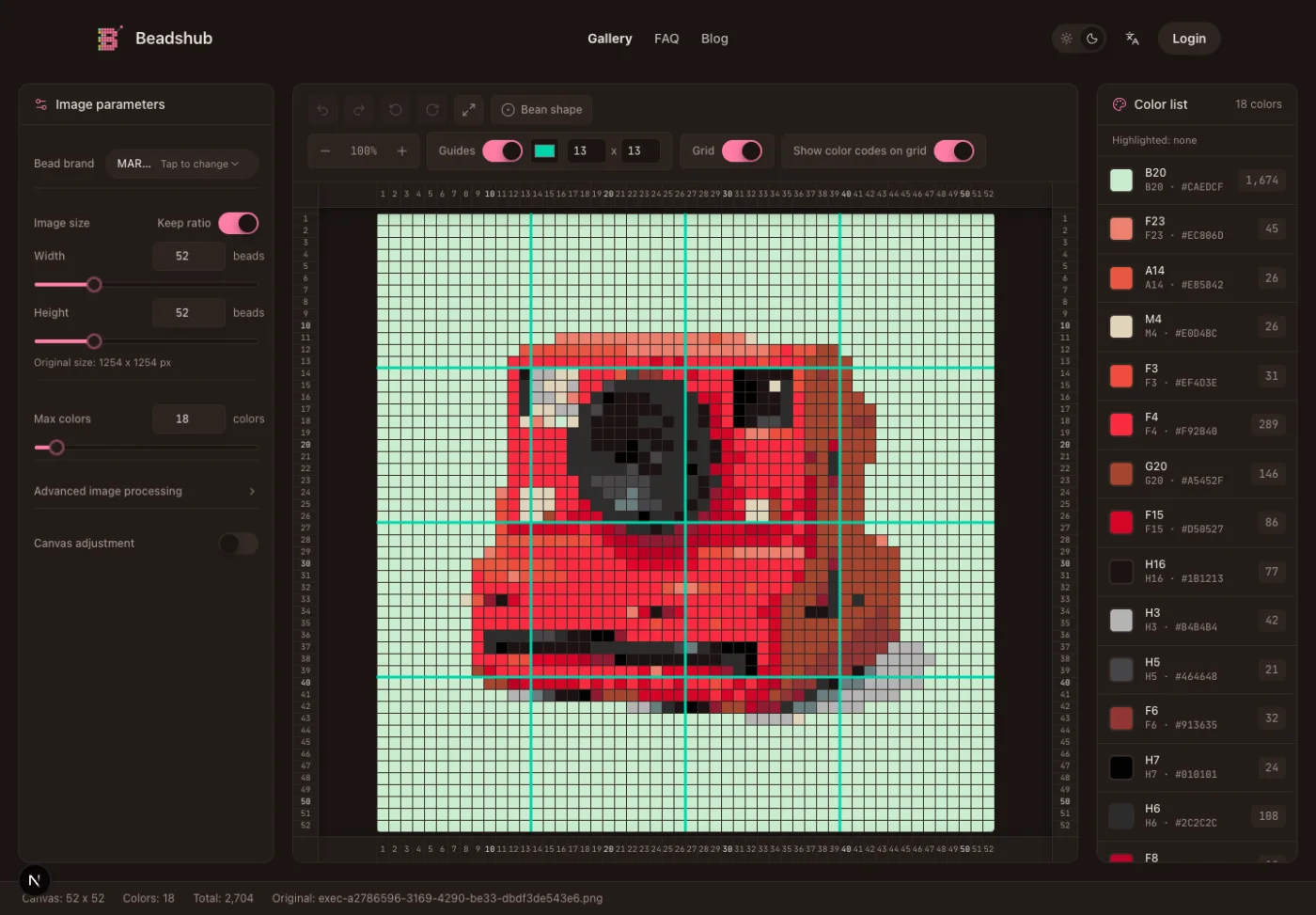
Important: BeadsHub is not a cross stitch generator. Its maker creates square fuse-bead grids and does not output DMC or Anchor floss codes, cross-stitch symbols, fabric-count sizing, backstitch, half stitches, quarter stitches, or a cross-stitch-specific PDF. It can help test an early square-grid composition, but it cannot replace any final chart tool in this comparison.
What a cross stitch chart generator must produce
A pixel grid and a stitchable chart share a one-cell-per-unit idea, but they are not interchangeable. A useful cross stitch chart generator should provide:
- Dimensions that translate to a finished size on the chosen fabric count
- A maintained DMC, Anchor, Madeira, or other real floss palette
- Readable symbols and a legend with color numbers and names
- Page breaks, highlighted grid lines, and a printable PDF
- Editing after photo conversion and any required specialty stitches
A free cross stitch pattern maker may limit saved charts, dimensions, colors, uploads, or exports. “Free” does not guarantee that a symbols-and-legend PDF, commercial-use workflow, or specialty stitch is included. Build a small test chart and export it before investing time in a large design.
Best cross stitch pattern maker comparison
There is no universal winner. Match the software to the job and the final file you need.
| Tool | Best fit | Input and editing | Floss and specialty stitches | Export and saving | Cost model checked Aug. 1, 2026 |
|---|---|---|---|---|---|
| FlossCross | Free private browser design | Blank chart or image; common drawing tools | 498 DMC colors; backstitch, half-cross, petite | Custom PDF; OXS; browser-local autosave | Free, no registration required |
| Stitch Fiddle | Cloud editing across devices | Blank chart or image; chart editing and progress tracking | DMC, Anchor, Madeira and other libraries; some specialty features are Premium | Print/download options, sharing, cloud-synced charts | Free tier; Premium listed at $5.50/month or $33/year |
| Stitchboard Free Pattern Wizard | Guided photo-to-chart conversion | Upload an image, choose stitch count, colors, and image adjustments | DMC, Anchor, Madeira; standard cross stitch | Screen or PDF with colors, symbols, or both; some options require free membership | Free core wizard; optional Premier features |
| WinStitch/MacStitch and MiniStitch | Desktop chart design and seller-facing output | Photo conversion or manual drawing | Floss lists, symbols, specialty drawing, thread estimates; edition limits vary | Print and PDF workflows; editable desktop files | MiniStitch free to $18; WinStitch/MacStitch listed around £46 before local tax |
| BeadsHub | Early square-grid visual draft only | Image reduction and fuse-bead cell editing | Fuse-bead palettes only; no floss codes or specialty stitches | Fuse-bead PDF, not a final cross-stitch chart | Free; not ranked as a cross-stitch tool |
The table deliberately includes BeadsHub only as a boundary. It is not a candidate for someone searching for the best cross stitch pattern maker. Use one of the four cross-stitch products for the final floss legend, symbols, stitches, and printable chart.
FlossCross: best for free, private browser charts
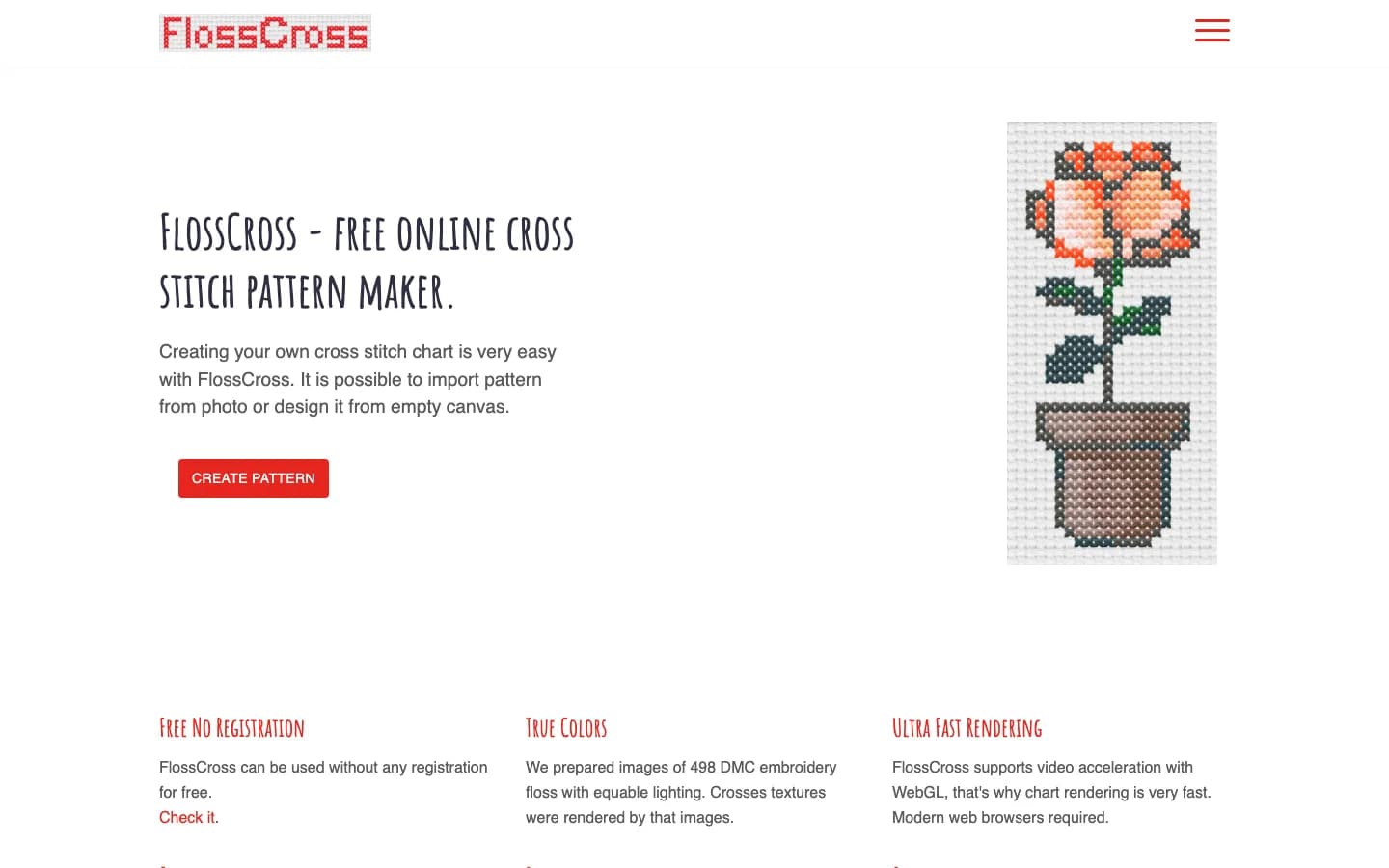
FlossCross says its online designer is free without registration. You can start with an empty canvas or create a pattern from a photo. Its official feature page lists 498 photographed DMC floss colors, browser-local pattern storage, autosave, backstitch in line and pen modes, half-cross, petite stitches, custom PDF export, and OXS import/export.
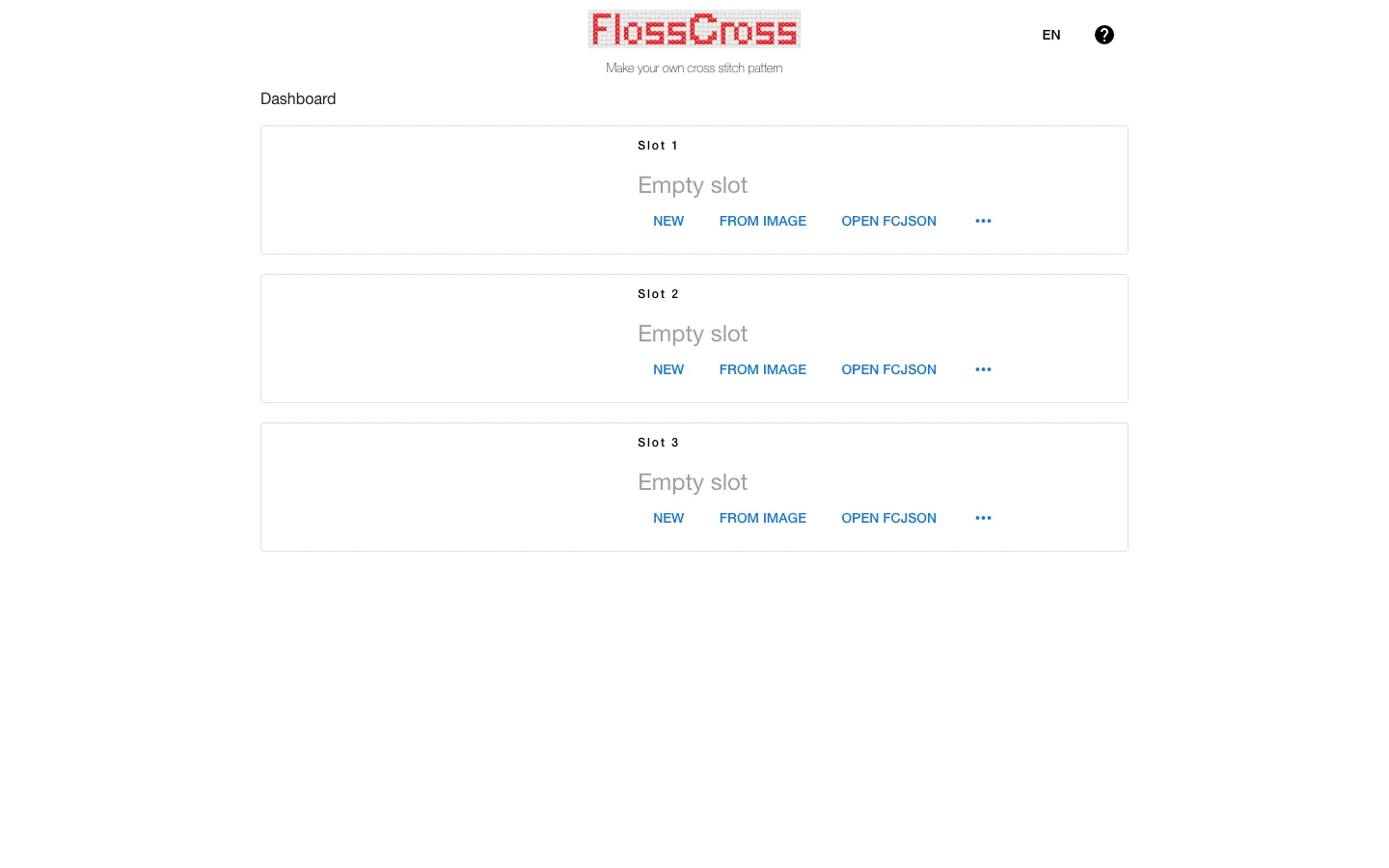
Real interface captured from the FlossCross official designer on August 1, 2026.
The provider states that patterns remain in the browser rather than being transferred elsewhere. Export a project file and PDF so one browser profile is not the only copy.
Choose FlossCross when: you want a capable free cross stitch pattern maker, need DMC colors and specialty stitches, prefer not to register, or want a quick photo conversion that remains editable.
Check first: whether OXS or the available project export fits your backup workflow, and whether the generated symbol density stays readable at your target print size. Browser-local storage can be lost when site data is cleared.
Stitch Fiddle: best for cloud editing and multiple crafts
Stitch Fiddle is a browser editor for cross stitch and several other grid crafts. Its current cross-stitch setup offers DMC, Anchor, Madeira Mouliné, and custom color choices. Official help covers picture import, colors and symbols, grid settings, downloading and printing, sharing, and a progress tracker.
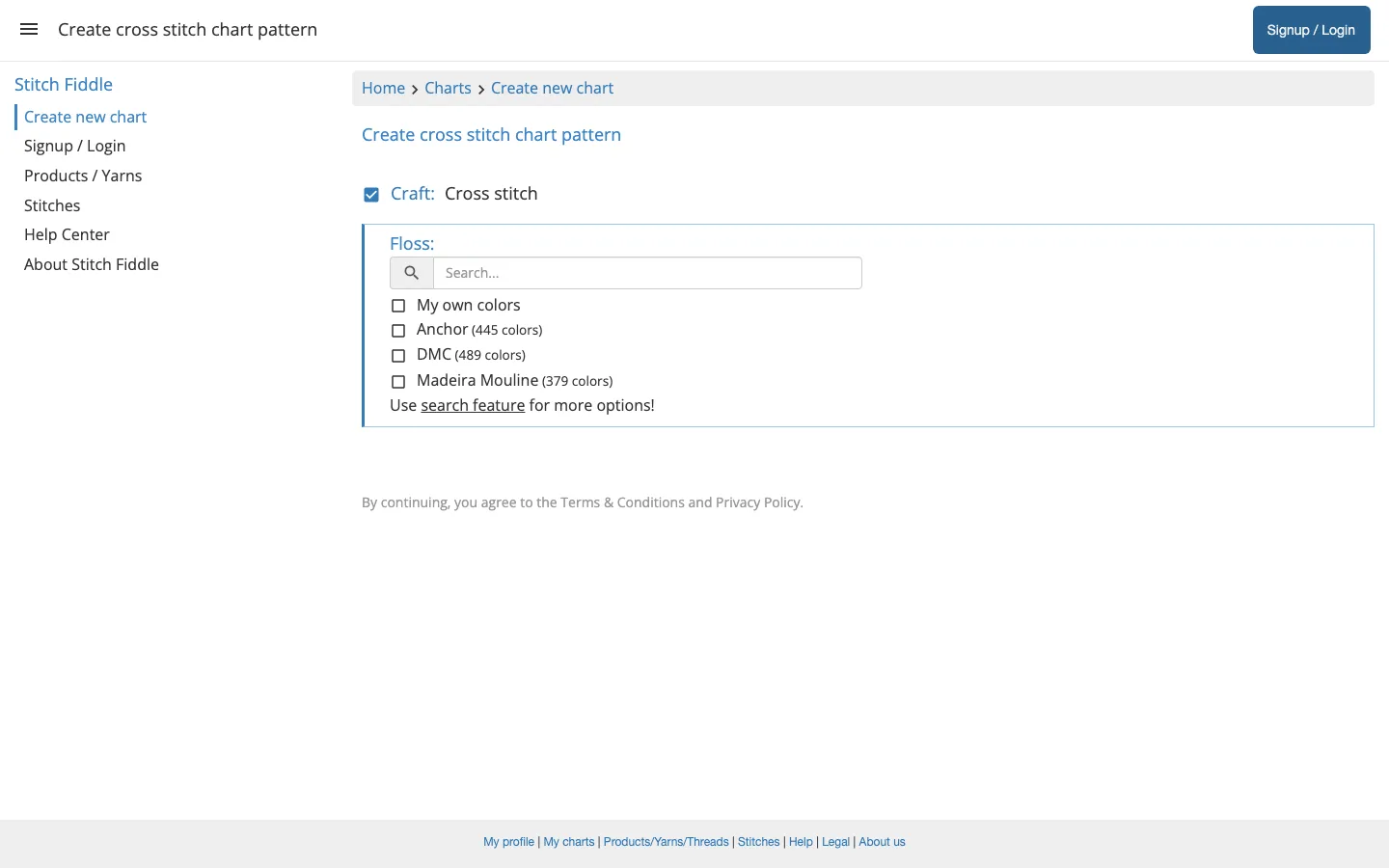
Real interface captured from the Stitch Fiddle official cross-stitch chart creator on August 1, 2026.
The official Premium table lists 15 charts, 50 colors or symbols, and 300-by-300 grids for free accounts. Premium raises the limits and adds picture upload, vector files, separate legends, half and quarter backstitches, folders, collaboration, and cloud sync. It was listed at $5.50 monthly or $33 yearly.
Choose Stitch Fiddle when: you want charts available across desktop, tablet, and phone; need sharing or progress tracking; or work across cross stitch and other grid crafts.
Check first: which import, specialty-stitch, symbol, and export functions are in the current free tier. The pricing table places several advanced production features under Premium, so do not assume every control shown in help is free.
Stitchboard: best for a guided photo wizard
The Stitchboard Free Pattern Wizard is a form-driven cross stitch chart generator. It asks for an uploaded image, craft category, palette, target stitch count, output format, paper size, grid interval, and image enhancements. The current page lists DMC, Anchor, and Madeira for cross stitch, plus automatic or manual color selection.
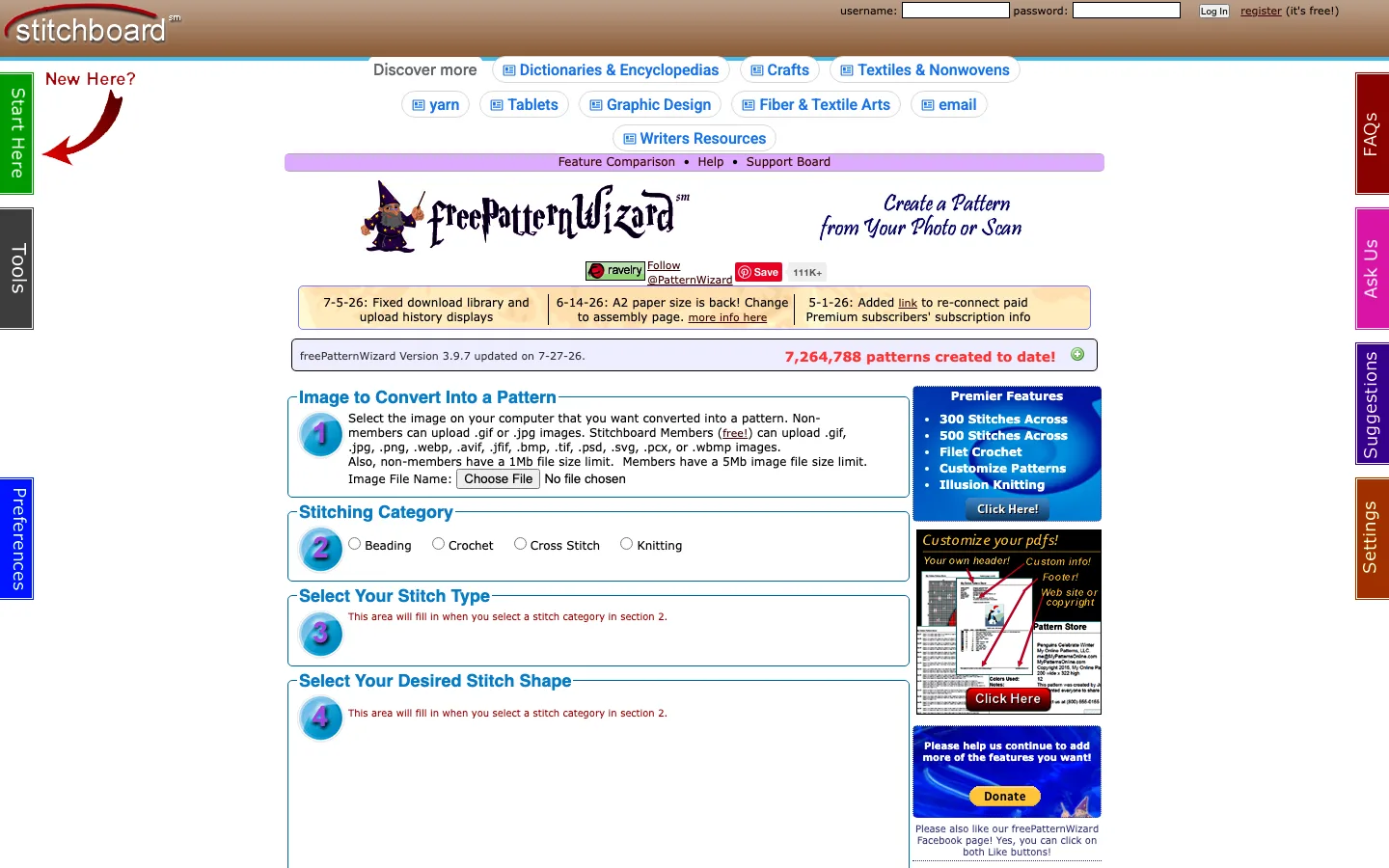
Real interface captured from the Stitchboard official Free Pattern Wizard on August 1, 2026.
Its official page limits non-members to 100 stitches across; current specifications list 150 for free members, while paid Premier options advertise larger limits. PDF output can use colors, symbols, or both, with grid intervals and an optional multipage assembly page.
This workflow is strongest when you want to answer a sequence of practical questions rather than enter a blank editor. It is less direct for someone who wants a modern drawing canvas from the first click.
Choose Stitchboard when: your main goal is converting an owned photo or scan, selecting a floss palette and stitch width, and receiving a configured printable chart.
Check first: membership requirements for the upload format, PDF, symbols, image enhancement, and desired width. An uploaded image is sent to the service for processing, unlike the browser-local storage described by FlossCross.
WinStitch, MacStitch, and MiniStitch: best for desktop publishing
Ursa Software offers MiniStitch for Mac, Windows, and Linux, plus WinStitch for Windows and MacStitch for Mac. The provider says its cross-stitch software can convert photos or accept manual drawing, display charts in color, black and white, symbols, or simulated stitches, estimate thread, print up to A2, export PDF files, and create colorways.
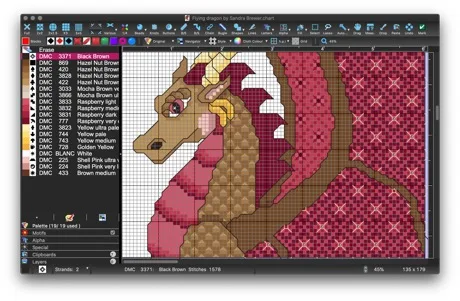
Official product image from Ursa Software's cross-stitch software page, accessed August 1, 2026.
This desktop route suits repeatable print layouts, editable business files, thread estimates, and deeper manual control. MiniStitch is the simpler entry point; WinStitch and MacStitch are fuller products. Editions differ, so check the current manual and demo.
Choose the Ursa desktop tools when: you expect to publish or sell patterns, prefer installed software, need detailed print control, or want an editable workflow that is not dependent on an online service.
Check first: operating-system compatibility, edition limits, current tax-adjusted price, file interchange, and the exact print features included in the license. Run the free demo on the computer that will produce the charts.
Test every cross stitch generator with one small photo
Automatic conversion is only a draft. Portraits can create confetti stitches, dark fur can hide eyes, and landscapes can use too many colors. Test the same legally owned image in two candidates.
Use this repeatable test:
- Crop the image to the final subject and remove unnecessary background.
- Generate versions at two widths, such as 40 and 70 stitches.
- Limit the palette to a practical number of floss colors.
- Inspect faces, outlines, isolated single stitches, and near-identical shades.
- Replace noise manually and add backstitch only where it improves recognition.
- Export the actual symbols-and-legend PDF and print one page at 100% scale.
- Calculate the finished dimensions from stitch count and fabric count before stitching.
The image-to-pixel-art guide explains cropping, resolution, palette reduction, and cleanup at the visual-grid level. Those principles transfer, but its fuse-bead examples do not replace cross-stitch floss and fabric calculations. The pixel art grid guide can help choose a readable cell count before the final chart is built.
Selection checklist before you commit
Check any computer program to create cross stitch patterns against these requirements:
- Finished output: floss codes, symbols, legend, specialty stitches, page breaks, and PDF.
- Conversion editing: practical tools to remove confetti and repair shapes.
- Physical match: the palette for the floss you will actually buy.
- Image processing: browser-local, cloud, upload-based, or desktop, according to privacy needs.
- Recovery: an editable export that reopens, plus an external backup.
- Print readability: clear symbols, legend, grid intervals, page overlap, and black-and-white output.
- Rights: software terms and permission to adapt the source image.
For a simple manually colored square chart, the spreadsheet pixel art workflow can be enough for early planning. It is not a replacement when the deliverable needs maintained floss catalogs, fractional stitches, thread estimates, or a professional chart key.
Cross stitch pattern maker FAQ
What is the best free cross stitch pattern maker?
FlossCross is the strongest no-registration starting point here: its official list includes DMC colors, photo conversion, manual editing, specialty stitches, local storage, and PDF export. Stitchboard is another free option when a guided photo wizard matters more than a blank canvas.
Can I make a cross stitch pattern from a photo for free?
Yes. FlossCross and Stitchboard describe free image-to-chart workflows. Use an image you may legally adapt, reduce the colors, repair isolated stitches, and print the symbol chart before starting.
Is Stitch Fiddle free?
Stitch Fiddle has a free tier. Its official pricing page lists limits for chart count, colors or symbols, and grid size, while image uploads, half and quarter backstitches, vector files, and several production controls appear in the Premium comparison. Check the live table because features and prices can change.
Do I need DMC colors in a cross stitch pattern maker?
You need a palette that matches the floss you will actually use. DMC is common, but Anchor, Madeira, or custom colors may be more appropriate. A screen approximation is not proof of a physical color match, so compare critical shades with real floss.
Can BeadsHub generate a finished cross stitch chart?
No. BeadsHub can simplify an owned image into a square visual grid, but its palette, material count, and PDF are designed for fuse beads. It does not generate cross-stitch symbols, floss legends, fabric sizing, or specialty stitches. Use a dedicated cross stitch generator for the final pattern.
The best cross stitch pattern maker is the one that survives a small end-to-end test: import or draw, edit, save, reopen, export, print, and read the chart at the worktable. Choose by that finished workflow, not by the longest feature list.