24 Pixel Art Ideas for Beginners: Icons, Animals, Food, and Scenes
Explore 24 original pixel art ideas for beginners, with suggested grid sizes, palette counts, and practice goals for icons, animals, food, and scenes.
BeadsHub Studio
Author
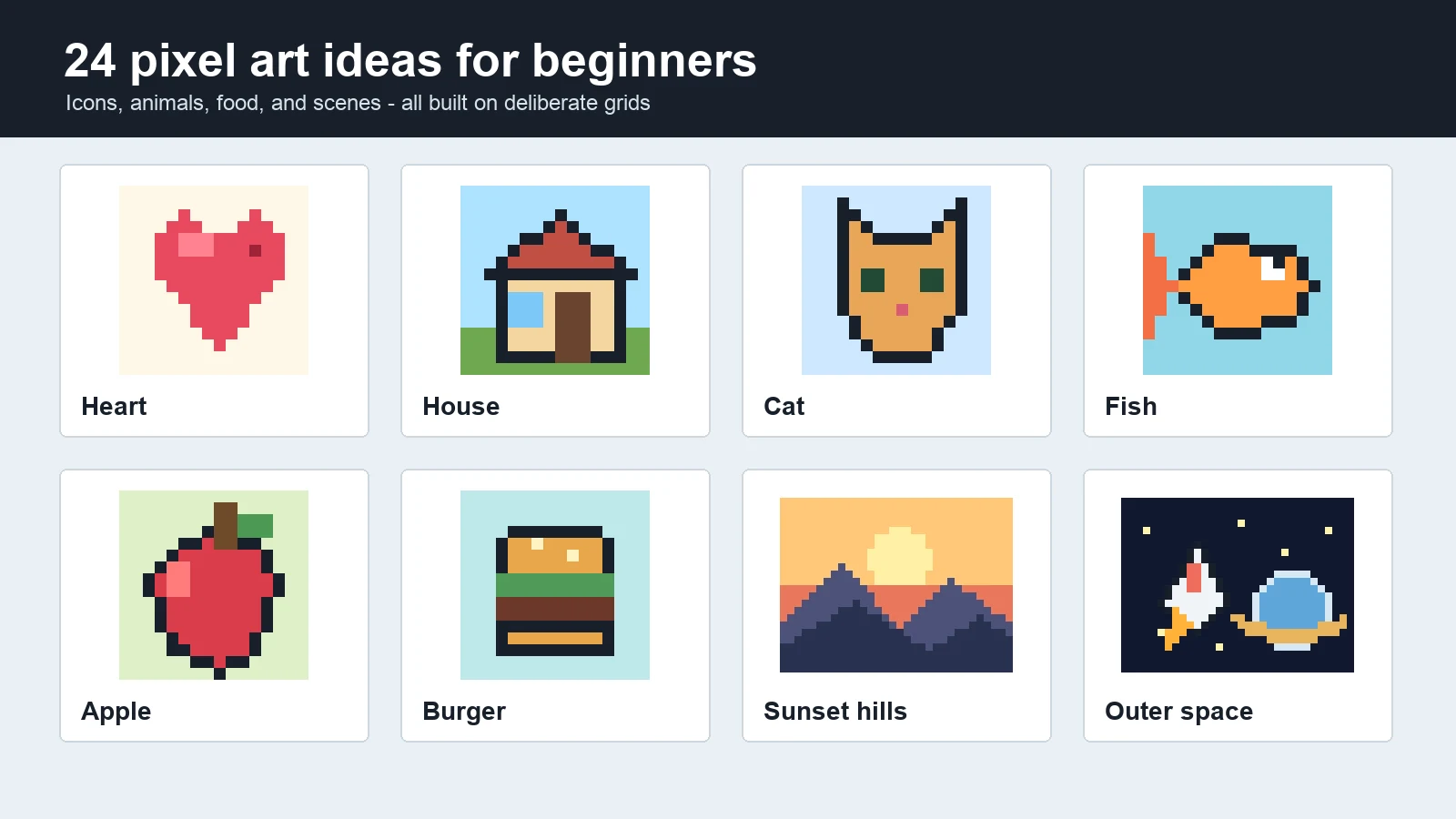
The best pixel art ideas are small enough to finish but specific enough to teach one skill. Choose a subject with a clear silhouette, a limited palette, and one recognizable feature. A heart teaches symmetry, a cat teaches facial spacing, and a sunset teaches scene layering.
This guide gives you 24 original starting points across icons, animals, food, and scenes. Every example includes a suggested grid, a practical color count, and a focused exercise. The artwork was created specifically for this article on 16 x 16 or 32 x 24 grids, so you can see what the constraints actually look like rather than reading a list of nouns with no visual reference.
Use the examples as prompts, not fixed templates. Change a silhouette, swap the palette, add one detail, or rebuild the subject from memory. Interpretation is where a copied shape becomes your own pixel drawing.
Pick a pixel art idea quickly
If you are unsure where to begin, choose the row that matches the skill you want to practice.
| Category | Starting grid | Best practice goal | Good first choice |
|---|---|---|---|
| Icons | 16 x 16 | Symmetry, silhouette, clean edges | Heart or envelope |
| Animals | 16 x 16 | Facial spacing, pose, identifying features | Cat or fish |
| Food | 16 x 16 | Layering, highlights, color contrast | Apple or burger |
| Scenes | 32 x 24 | Depth, composition, foreground and background | Sunset hills |
Start with three to six colors. A small palette forces each shade to have a job: background, outline, main fill, shadow, highlight, or accent. Add another color only when it separates two important forms or clarifies a feature. If a design is unreadable in one color, repair the silhouette before adding shading.
Icon pixel art ideas
These pixel art ideas reduce familiar objects to strong outlines, making them the quickest set for learning deliberate cell placement.
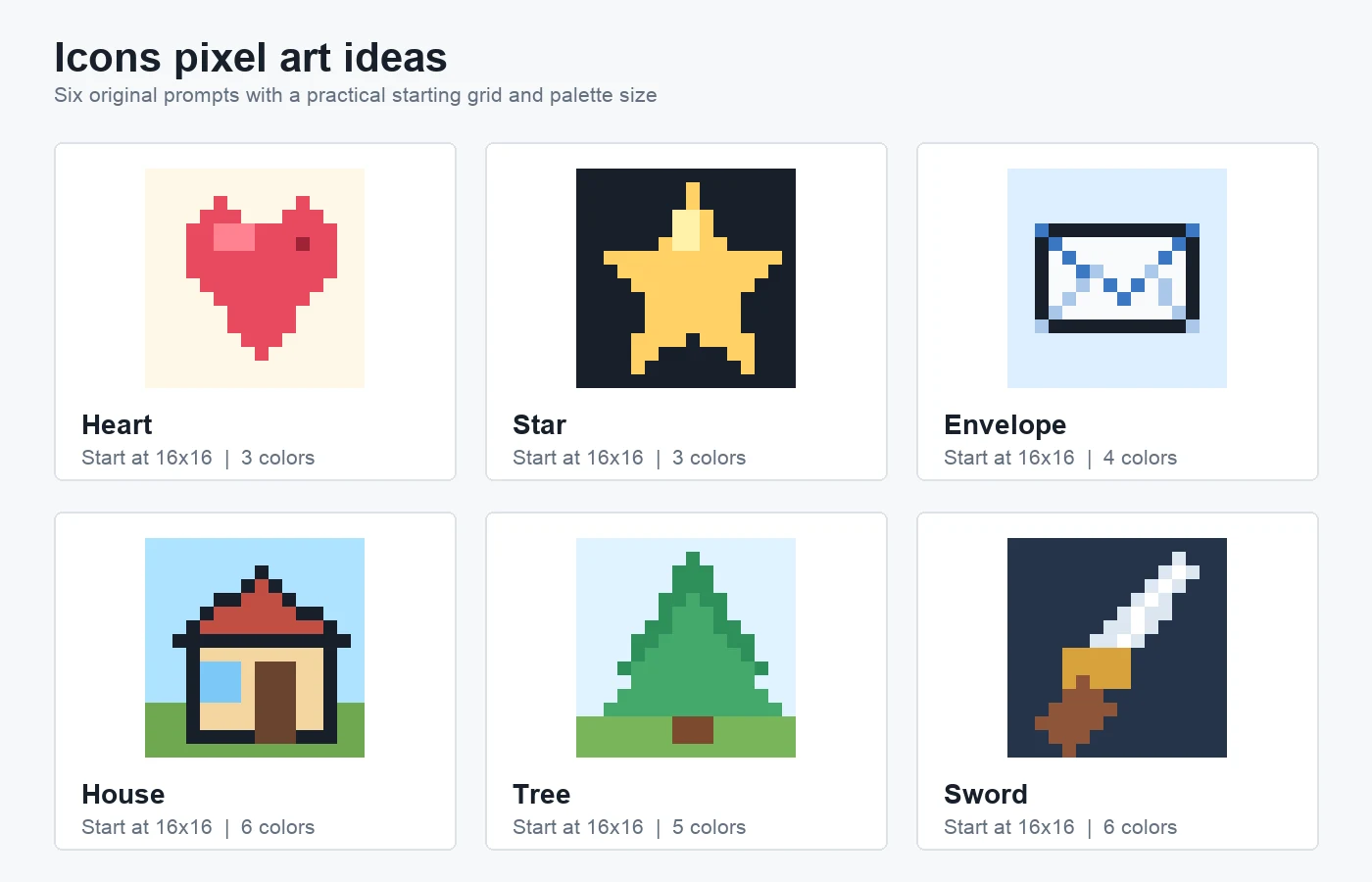
Original pixel art contact sheet: six 16 x 16 icon studies with suggested palette sizes. Rebuild one, then alter its proportions or accent color.
1. Heart: practice symmetry. Start at 16 x 16 with three colors. Mirror the main shape, then add one off-center highlight to learn which cells create a smooth diagonal.
2. Star: practice readable points. Use three colors on 16 x 16. Place the outer points before filling the center; if two points merge at normal size, remove cells.
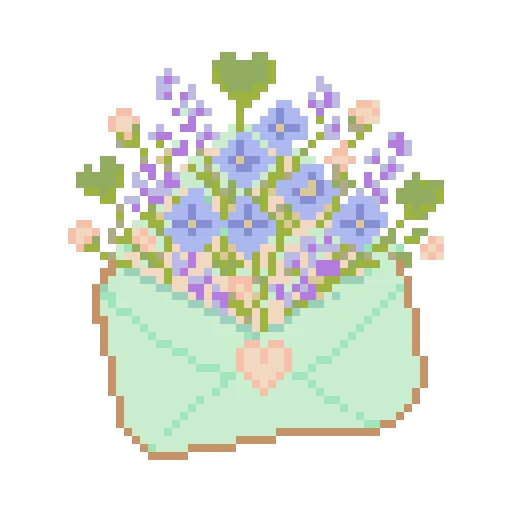
3. Envelope: practice diagonal lines. Use four colors on 16 x 16. Draw the outline, then connect the top corners to the center while avoiding accidental double-width folds.
4. House: practice a complete object. Use six colors on 16 x 16. Separate roof, wall, door, window, sky, and ground, then vary the roof pitch or door position.
5. Tree: practice organic shapes. Start with five colors on 16 x 16. Build a narrow trunk and uneven canopy tiers so the tree does not become a flat triangle.
6. Sword: practice a strong diagonal. Use six colors on a dark 16 x 16 background. Keep the blade one or two cells wide and add a single highlight instead of a gradient.
Animal pixel art ideas
These pixel art ideas focus on the few features that make an animal readable before fur, texture, or detailed shading is added.
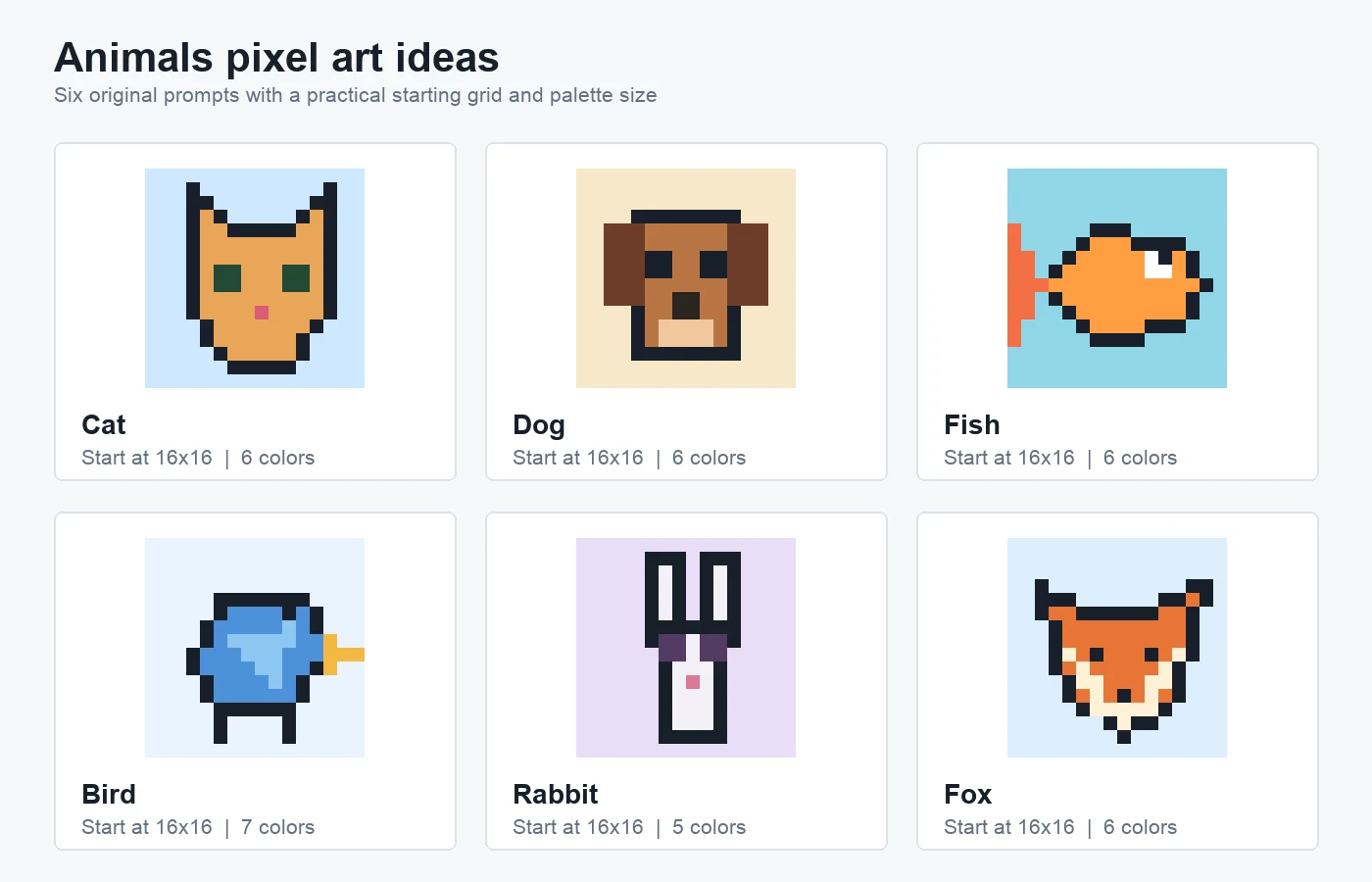
Original pixel art contact sheet: six animal studies on 16 x 16 grids. Each one uses a different identifying feature, such as ears, fins, wings, or a muzzle.
7. Cat face: practice feature spacing. Use six colors on 16 x 16. Place ears and jaw first, center the nose, then test how moving each eye one cell changes the expression.
8. Dog face: practice layered shapes. Use six colors on 16 x 16. Extend darker ears beyond the head and use a lighter square muzzle to separate the mouth area.
9. Fish: practice movement. Use six colors on 16 x 16. Separate the tail from a wide body, shift the fins backward, and keep the nose compact for forward motion.
10. Bird: practice a side profile. Use seven colors on 16 x 16. Build one body mass, then add a beak beyond the outline, a wing patch, tail, and thin legs.
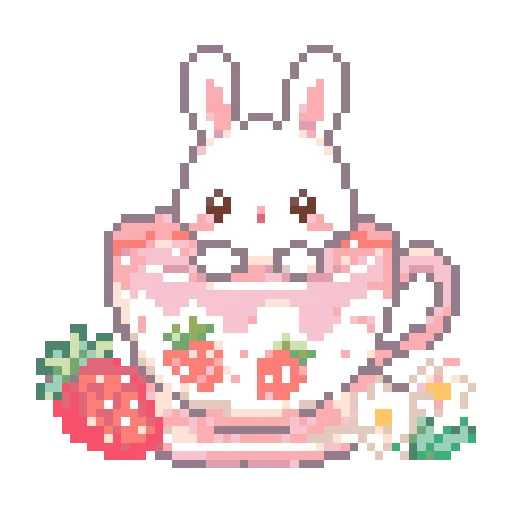
11. Rabbit: practice tall proportions. Use five colors on 16 x 16. Reserve height for two ears, keep the eyes low, and use one pink accent rather than over-shading the fur.
12. Fox: practice angular geometry. Use six colors on 16 x 16. Emphasize triangular ears, a wide forehead, and a pale pointed muzzle, with small outline breaks near the cheeks.
Food pixel art ideas
These pixel art ideas use compact layers, bright accents, and familiar silhouettes to practice color separation on a small canvas.
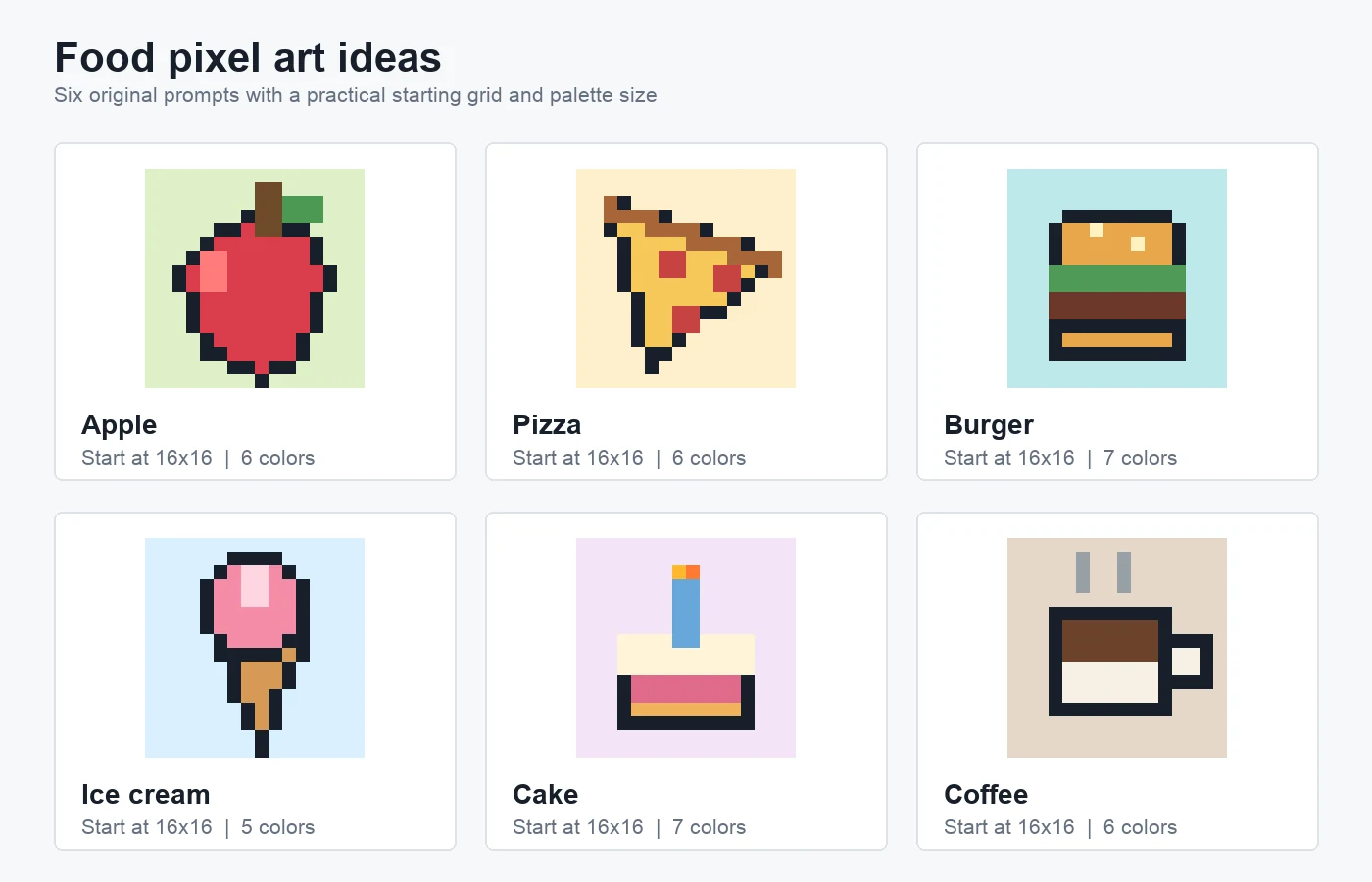
Original pixel art contact sheet: six compact food studies on 16 x 16 grids. These prompts are useful for learning layers, highlights, and color separation.
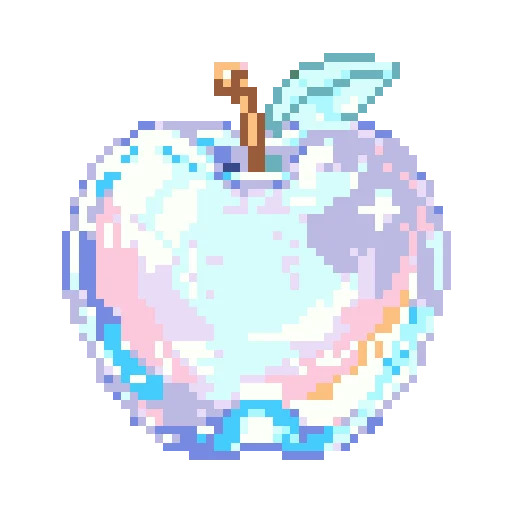
13. Apple: practice a rounded silhouette. Use six colors on 16 x 16. Indent the top, taper the bottom, keep the leaf separate, and place one highlight off-center.
14. Pizza slice: practice a textured triangle. Use six colors on 16 x 16. Make the crust the widest edge and limit the slice to two or three toppings.
15. Burger: practice horizontal layers. Use seven colors on 16 x 16. Vary the thickness of bun, lettuce, and filling, then offset one edge to avoid a striped rectangle.
16. Ice cream: balance two shapes. Use five colors on 16 x 16. Pair a soft scoop with a narrow cone, then add a one-cell drip only after both forms read clearly.
17. Cake: practice repeated layers. Use seven colors on 16 x 16. Separate sponge, filling, frosting, candle, and flame, reserving the brightest shade for one focal accent.
18. Coffee cup: practice negative space. Use six colors on 16 x 16. Make the handle a hollow loop, contrast coffee with the cup, and imply heat with two short steam lines.
Scene pixel art ideas
These pixel art ideas expand to 32 x 24 so you can arrange foreground, middle ground, background, and a clear focal point.
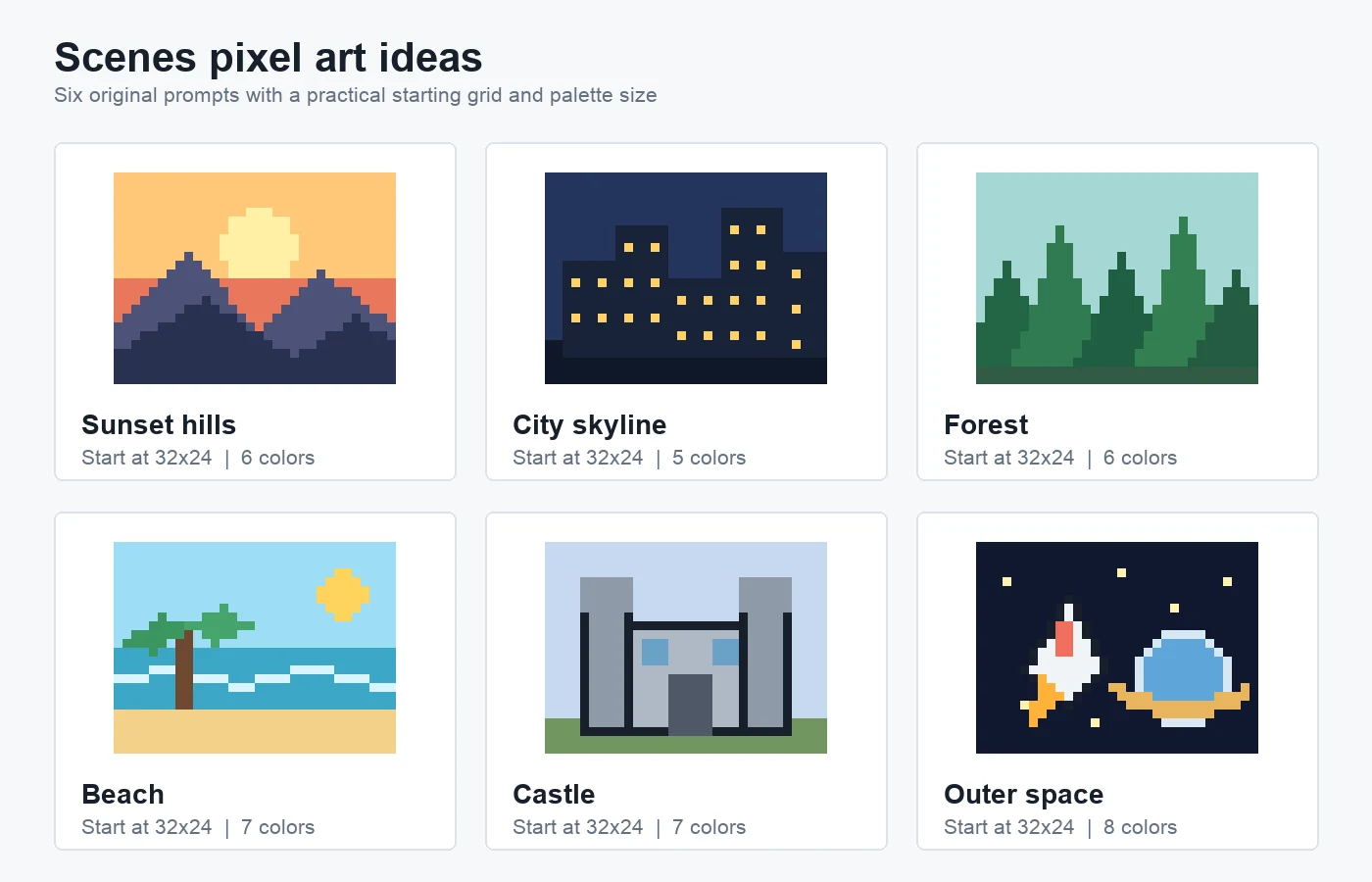
Original pixel art contact sheet: six 32 x 24 scene studies. Each scene separates the image into a few large depth layers before adding details.
19. Sunset hills: practice depth with value. Use six colors on 32 x 24. Layer sky, sun, distant ridge, and darker foreground so overlapping mountains remain distinct.
20. City skyline: practice rhythm. Use five colors on 32 x 24. Vary building heights and light only selected windows so the dark masses stay readable.
21. Forest: repeat without cloning. Use six colors on 32 x 24. Vary tree height, width, and green value, then overlap canopies to create depth.
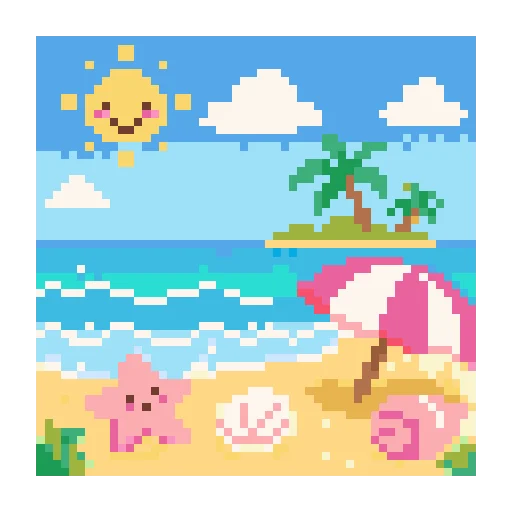
22. Beach: practice a horizontal composition. Use seven colors on 32 x 24. Divide sky, water, foam, and sand, then interrupt the bands with a palm tree and uneven waves.
23. Castle: practice architectural balance. Use seven colors on 32 x 24. Block two towers and a hall, then vary one height or window after establishing symmetry.
24. Outer space: practice focal contrast. Use eight colors on 32 x 24. Place a bright rocket and planet against near-black, leaving enough empty space to protect both focal objects.
Turn one idea into a finished project
Choose one prompt and define the output before you draw. A game icon needs a clean transparent edge, while a fuse-bead charm needs a connected shape that fits the pegboard. Use the pixel art grid guide when you need a deeper explanation of grid dimensions, guides, and normal-size readability.
Next, make a rough one-color silhouette. If it reads correctly, assign a small palette and add the feature that carries the subject's identity: a cat's ears, a sword's blade, the layers in a burger, or the light windows in a skyline. Check the image at native size after every few edits. Zoom is for placing pixels; normal size is for judging them.
You can sketch on graph paper, use a dedicated pixel editor, or open the BeadsHub pattern maker when the result will become a fuse-bead project. The maker uses one grid cell per bead and can provide bead palette codes and counts. It is a bead-pattern tool, not a general sprite or animation editor.
Finally, create a variation instead of tracing the reference exactly. Turn the apple green, make the house taller, give the fox a different expression, or move the sunset behind a city. If you would rather begin with a photograph you own, the image to pixel art guide explains cropping, palette reduction, and cleanup without repeating those topics here.
Good pixel art ideas give you one clear problem to solve. Start with the simplest subject that teaches the skill you want, keep the grid and palette deliberately small, and finish one variation before moving to a more detailed canvas. The 24 prompts above are enough for a complete practice series, but each can also branch into dozens of original versions.