Define Pixel Art: What It Is and What Makes It Different
Define pixel art clearly, recognize its essential traits, and understand how deliberate pixels differ from accidental pixelation.

BeadsHub Studio
Author
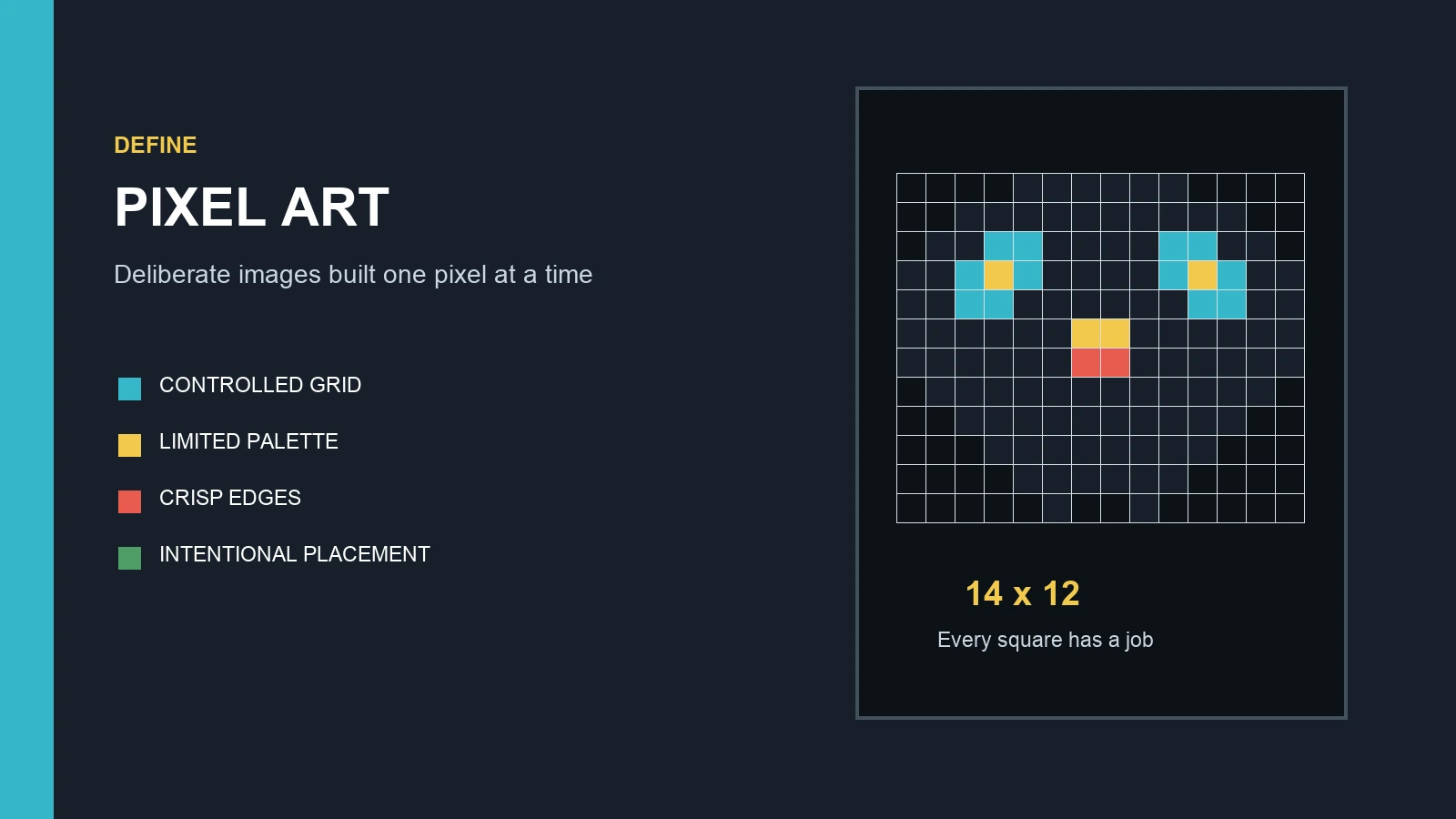
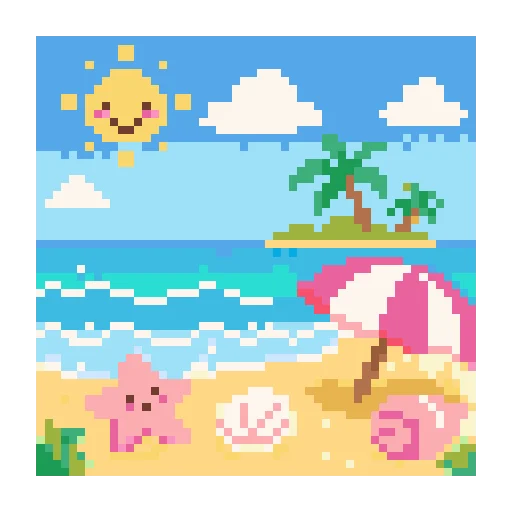
To define pixel art in one sentence: pixel art is digital artwork created with deliberate control over individual pixels, usually on a limited-resolution grid where every color and placement contributes to the final image. Its blocky appearance is a result of the method, not merely a filter added at the end.
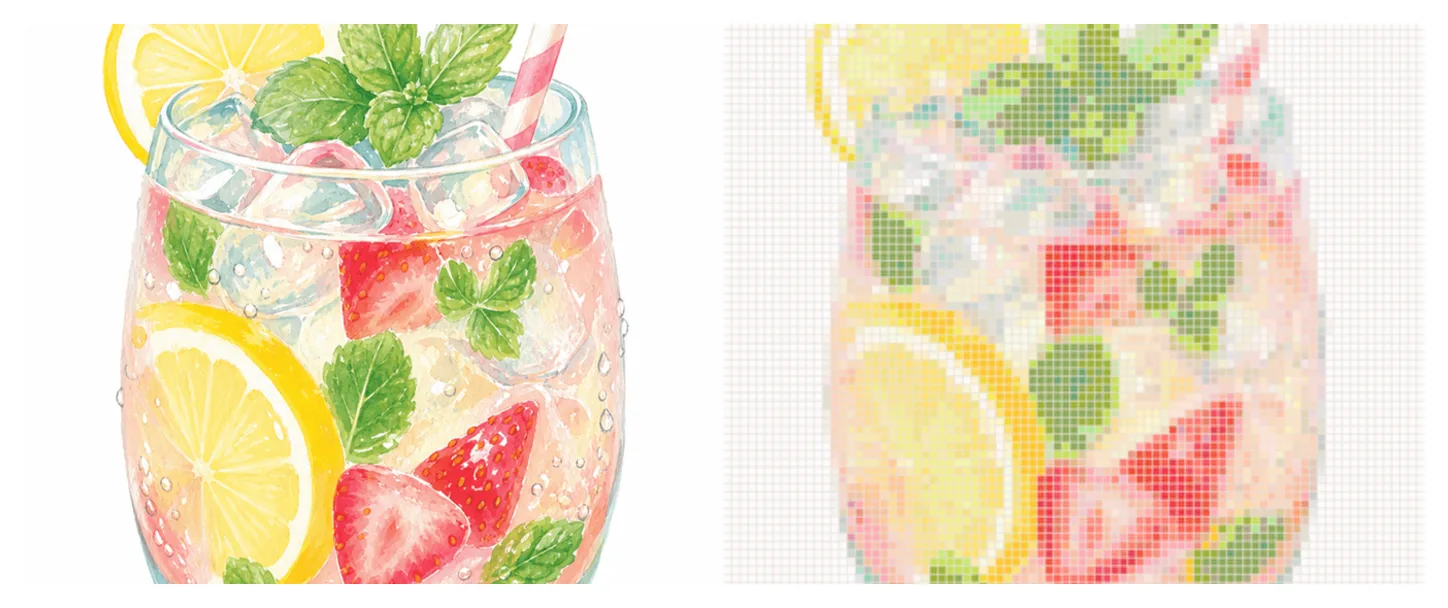
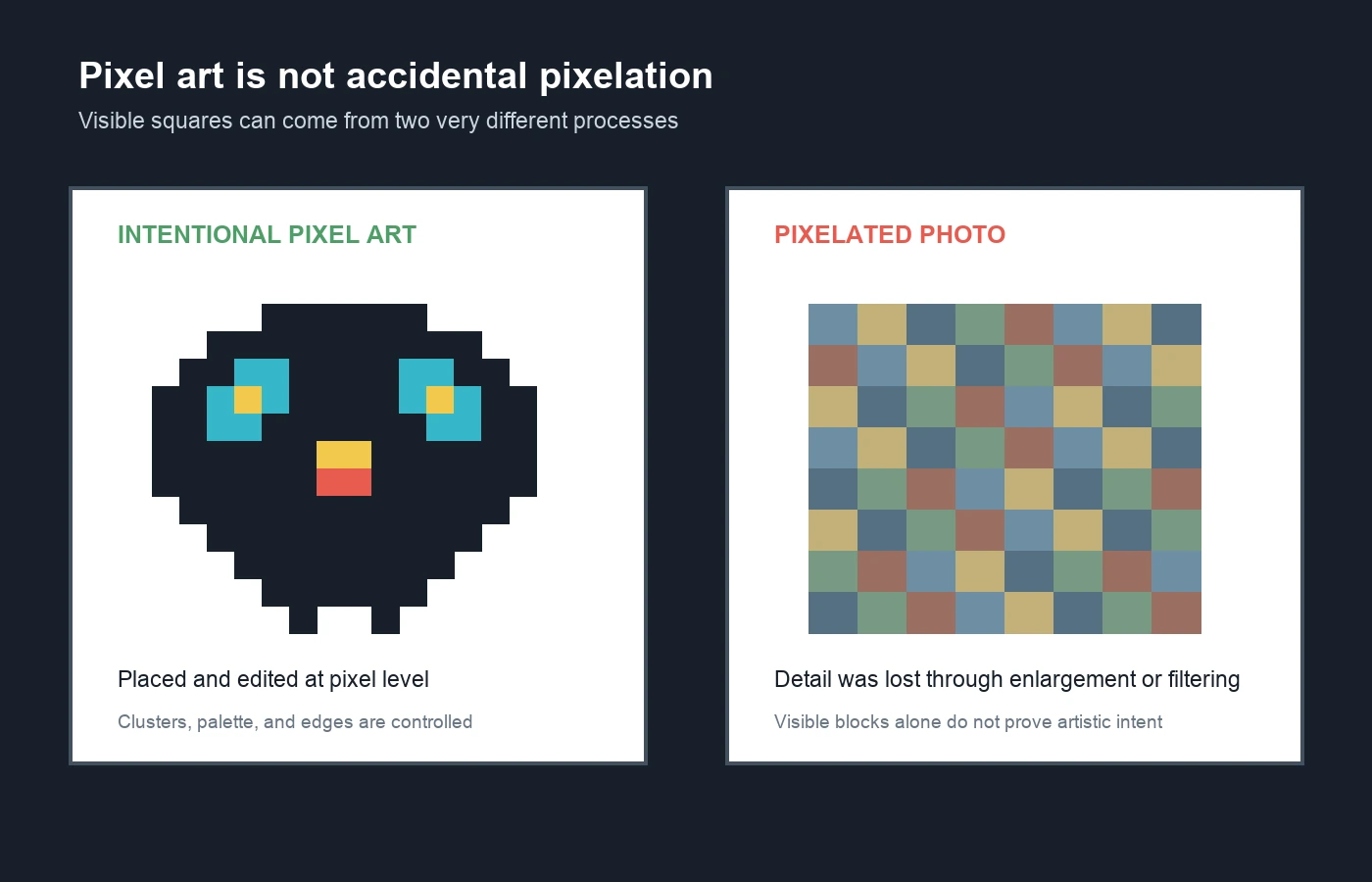
That distinction matters. Every raster image contains pixels, but not every raster image is pixel art. A photograph enlarged until its squares become visible is pixelated. A small character whose outline, eyes, shadows, and color clusters were designed cell by cell is pixel art. The difference is intentional construction.
This guide explains the definition, essential visual rules, relationship to 8-bit and 16-bit graphics, and the practical process behind the medium. It also shows why the same grid logic can become a game sprite, icon, mosaic, cross-stitch chart, or fuse-bead pattern.
How do you define pixel art?
A useful definition of pixel art has three parts:
- It is a form of digital image-making.
- The artist makes meaningful decisions at the level of individual pixels or small pixel clusters.
- The finished image preserves the visual importance of those discrete units instead of hiding them with smooth interpolation.
Adobe describes the medium as more than art that happens to contain pixels, connecting it to the visual language of early computer and game graphics. Its pixel art introduction also emphasizes resolution, palette choice, a grid, and direct pixel placement. Those are useful working constraints, but modern pixel art does not need to imitate a specific old console.
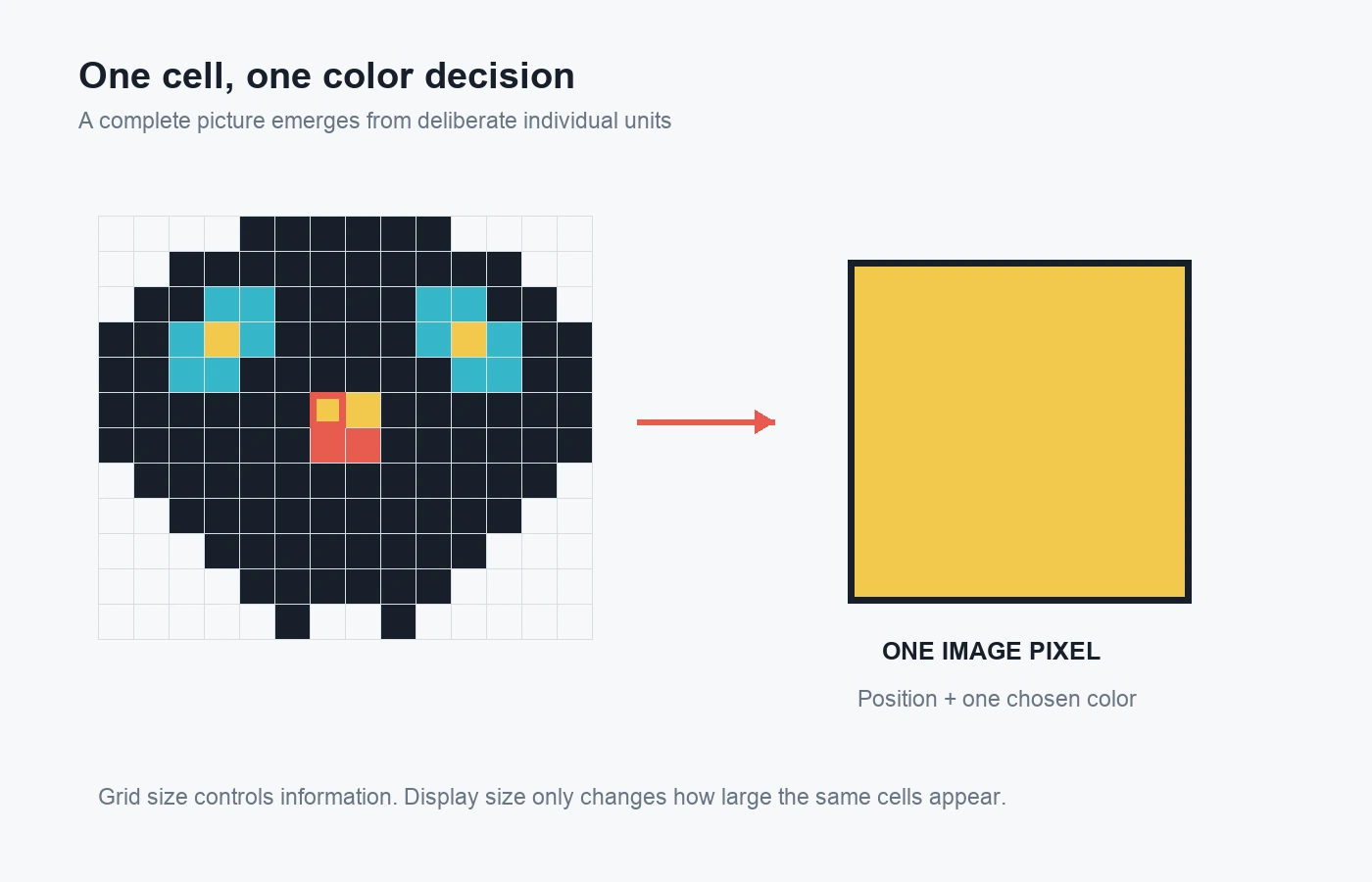
One cell is one color decision. At a small resolution, moving a highlight, eye, corner, or outline by one cell can change the subject's expression and balance. Pixel artists therefore work with clusters as well as isolated units: connected shapes of color that describe form, lighting, and texture.
Grid size and display size are different
A 16 x 16 icon contains 256 possible pixel positions whether it is shown at 16 x 16 screen pixels or enlarged to 512 x 512. Enlarging it changes display size, not the artwork's underlying information.
For crisp enlargement, each original pixel should map cleanly to a larger block. The MDN image-rendering reference explains that nearest-neighbor-style scaling preserves contrast and edges instead of smoothing colors together. This is why pixel art is commonly previewed at integer multiples such as 2x, 4x, or 8x.
Four essential traits of pixel art
There is no universal law that every work must use the same canvas or palette. However, four traits provide a reliable way to define pixel art in practice.
1. Intentional pixel placement
Important cells are placed, removed, or edited deliberately. An artist may begin from a sketch, photograph, procedural tool, or generated draft, but the final shapes are judged at pixel level. Automation can accelerate the first pass; it does not replace decisions about silhouette, clusters, and readability.
2. Controlled resolution
The grid is small enough that each unit remains visually significant. A tiny canvas forces the artist to choose which features deserve space. Larger pixel art can still belong to the medium when its forms are built from controlled pixels or coherent pixel clusters rather than smooth brush strokes reduced after completion.
3. A purposeful palette
Many works use a limited palette because each color needs a clear role: outline, base, shadow, highlight, background, or accent. Limited does not mean monochrome or historically accurate. It means that adding a shade should improve form, separation, or mood rather than create color noise.
4. Crisp, readable edges
Pixel art exposes stair-step diagonals and hard transitions instead of relying on automatic smoothing. Selective anti-aliasing can be drawn by hand, but it remains controlled. An export that blurs every boundary can hide the relationships the artist designed.
These traits explain why the medium can look simple while demanding precision. Fewer cells produce fewer places to hide weak proportions or unclear shapes.
What pixel art is not
The easiest way to understand the definition is to separate the medium from similar-looking results.
Pixel art vs. a pixelated photo
Pixelation describes visible image blocks, often caused by enlarging a low-resolution source or applying a mosaic effect. Pixel art describes an artistic process in which those units are composed intentionally.
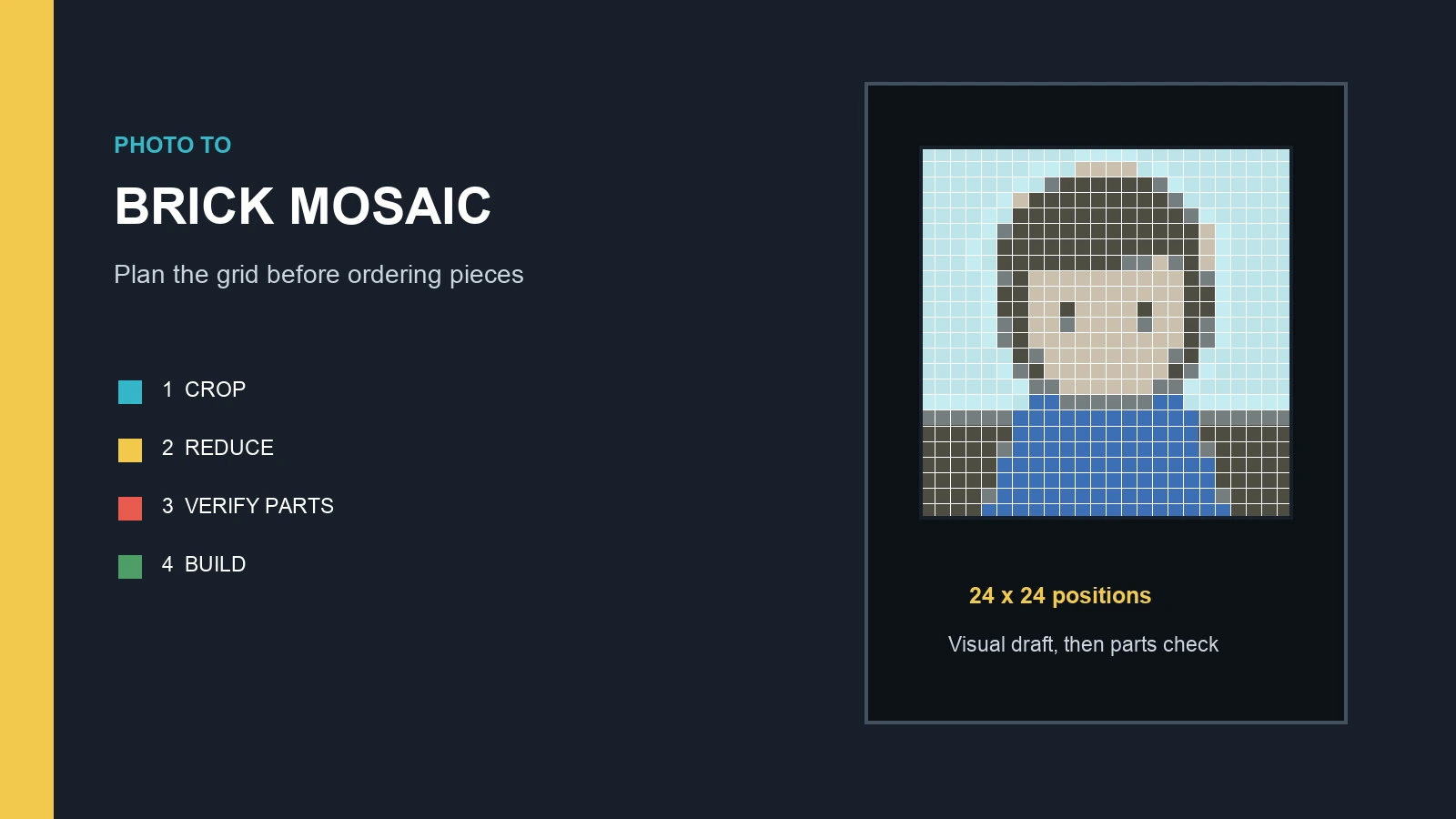
A converted photo can become a useful pixel-art draft, but the conversion alone does not guarantee a finished work. Cropping, palette reduction, edge cleanup, and manual restoration of identity-carrying details are usually needed. The image to pixel art guide covers that workflow without treating a one-click filter as the final result.
Pixel art vs. ordinary digital painting
Digital painting often imitates continuous brushes, blended color, soft gradients, or high-resolution media. Pixel art favors discrete units and controlled clusters. Both are digital art; the difference is how the image is constructed and which marks remain visible.
Pixel art vs. vector art
Vector art stores shapes as mathematical paths that can scale smoothly to almost any size. Pixel art is raster-based and tied to a grid of colored positions. A vector illustration can imitate a blocky style, but if its primary structure is freely scalable paths rather than pixel-level decisions, it is better described as pixel-inspired vector art.
Pixel art vs. voxel art and mosaics
Voxel art uses volumetric units in three dimensions, while pixel art uses picture elements in a two-dimensional image. Mosaics, cross-stitch, and fuse beads are physical media, but their one-unit-per-cell logic can translate naturally from pixel art. The output material changes; the grid-based design remains closely related.
Does 8-bit or 16-bit define pixel art?
No. The phrases 8-bit pixel art and 16-bit pixel art usually describe a visual era or a set of hardware-inspired constraints, not a universal test for the medium.
Historically, bit depth, memory, screen resolution, sprite limits, and hardware palettes constrained what early computers and game consoles could display. Artists developed efficient silhouettes, repeated tiles, color cycling, dithering, and compact animation to work within those systems. Adobe's overview notes how 1970s, 1980s, and 1990s game artists reduced characters and objects to essential pixels as available resolution increased.
Modern artists can emulate a particular machine accurately, borrow a general retro appearance, or create pixel art with no console target at all. Calling a picture “8-bit” does not prove that it follows an authentic eight-bit system's palette or sprite restrictions. For precise historical recreation, name the platform and follow its actual limits. For general artwork, describe the canvas, palette, and intended style.
How pixel art is made
Pixel art can be drawn with a mouse, stylus, keyboard, game editor, graph paper, or grid tool. The software matters less than a process that protects clarity.
Step 1: Choose a small, useful canvas
Start with the final use. A tiny icon might need 16 x 16, a game character 24 x 32, and a detailed craft pattern 48 x 48 or more. The right size is the smallest grid that can hold the required silhouette and features. The pixel art grid guide explains how dimensions affect information and physical project size.
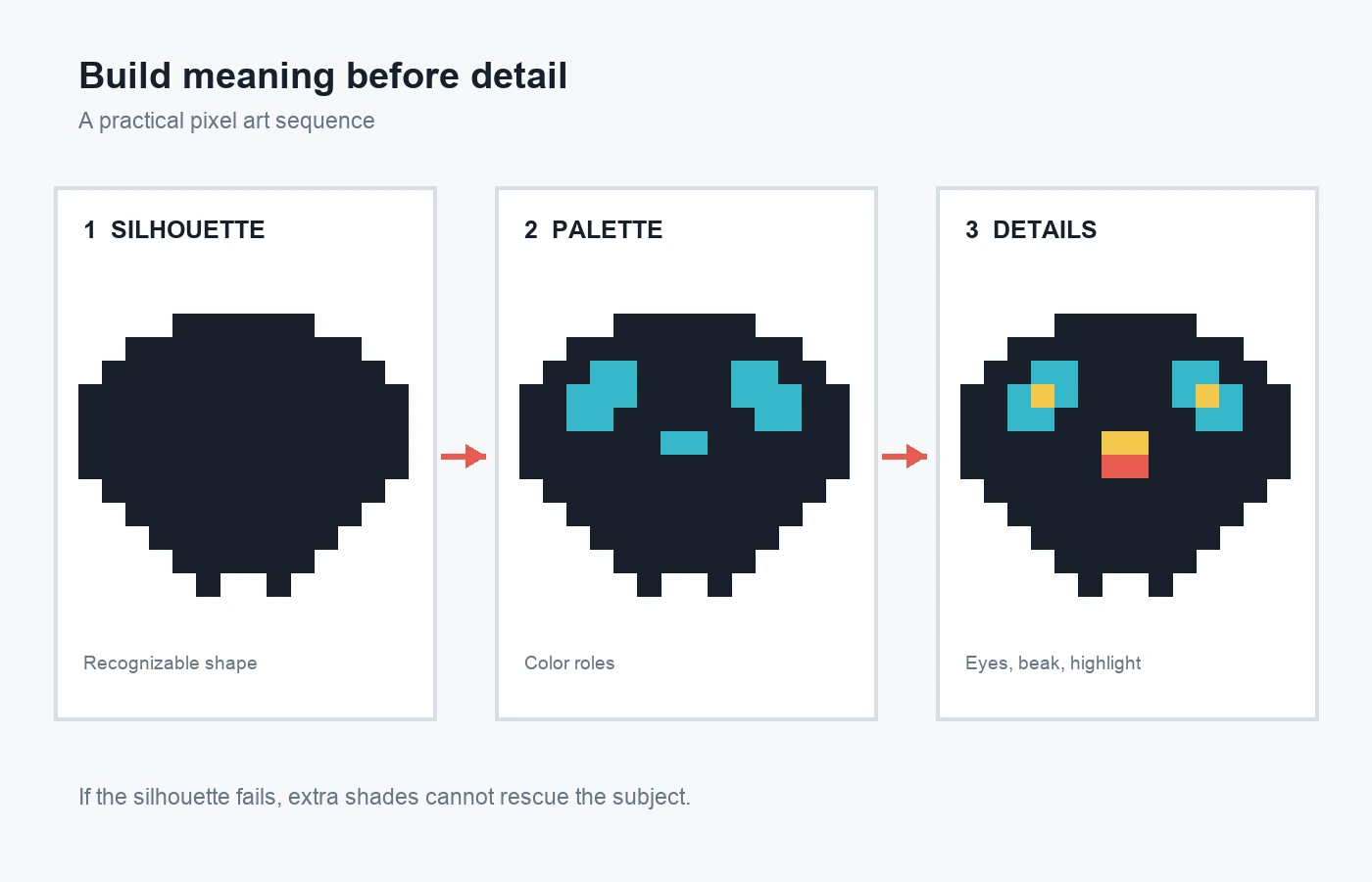
Step 2: Build a one-color silhouette
Block the outer shape before adding internal detail. Check it at native size. If the subject is unclear as a flat mass, extra colors usually add decoration without fixing recognition.
Step 3: Assign color roles
Choose a background, outline or darkest value, base colors, shadows, highlights, and one accent if needed. Reuse colors across the image so the palette feels related. Avoid introducing a near-duplicate shade for one isolated cell.
Step 4: Shape pixel clusters
Use connected groups of pixels to describe curves, planes, and texture. Clean unwanted single-pixel bumps from outlines. Make repeated diagonal steps consistent unless irregularity is part of the design.
Step 5: Add selective detail
Spend the remaining cells on features that establish identity: an eye position, beak, wheel, window, letter stroke, or light direction. Alternate between a zoomed editing view and the normal viewing size.
Step 6: Export without blur
Keep a native-resolution master. If a larger file is needed, scale by a whole-number multiple with nearest-neighbor resampling. PNG is a common choice for crisp images and transparency; lossy compression can introduce unwanted colors around sharp edges.
Where pixel art is used today
Pixel art remains useful because it combines clarity, constraint, and a recognizable visual voice. It appears in game characters, environments, tiles, user-interface icons, animations, avatars, stickers, web graphics, and independent illustration. It is also used as a planning language for counted physical crafts.
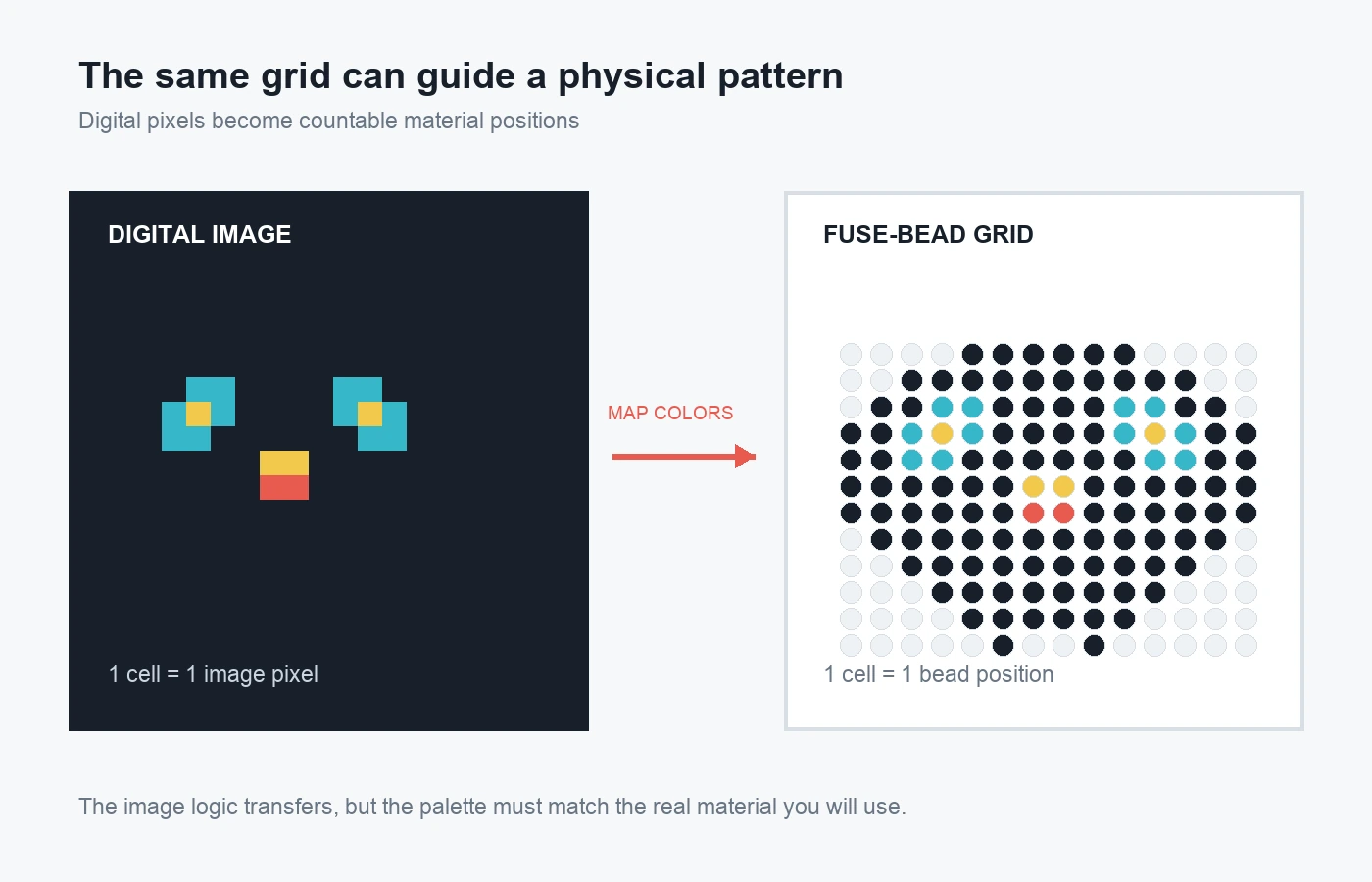
For fuse beads, one image cell can represent one bead position. The design still needs a real bead palette, pegboard dimensions, counts, and a connected physical structure. BeadsHub's free pattern maker supports that translation, while the Perler bead beginner guide explains materials and the complete craft process.
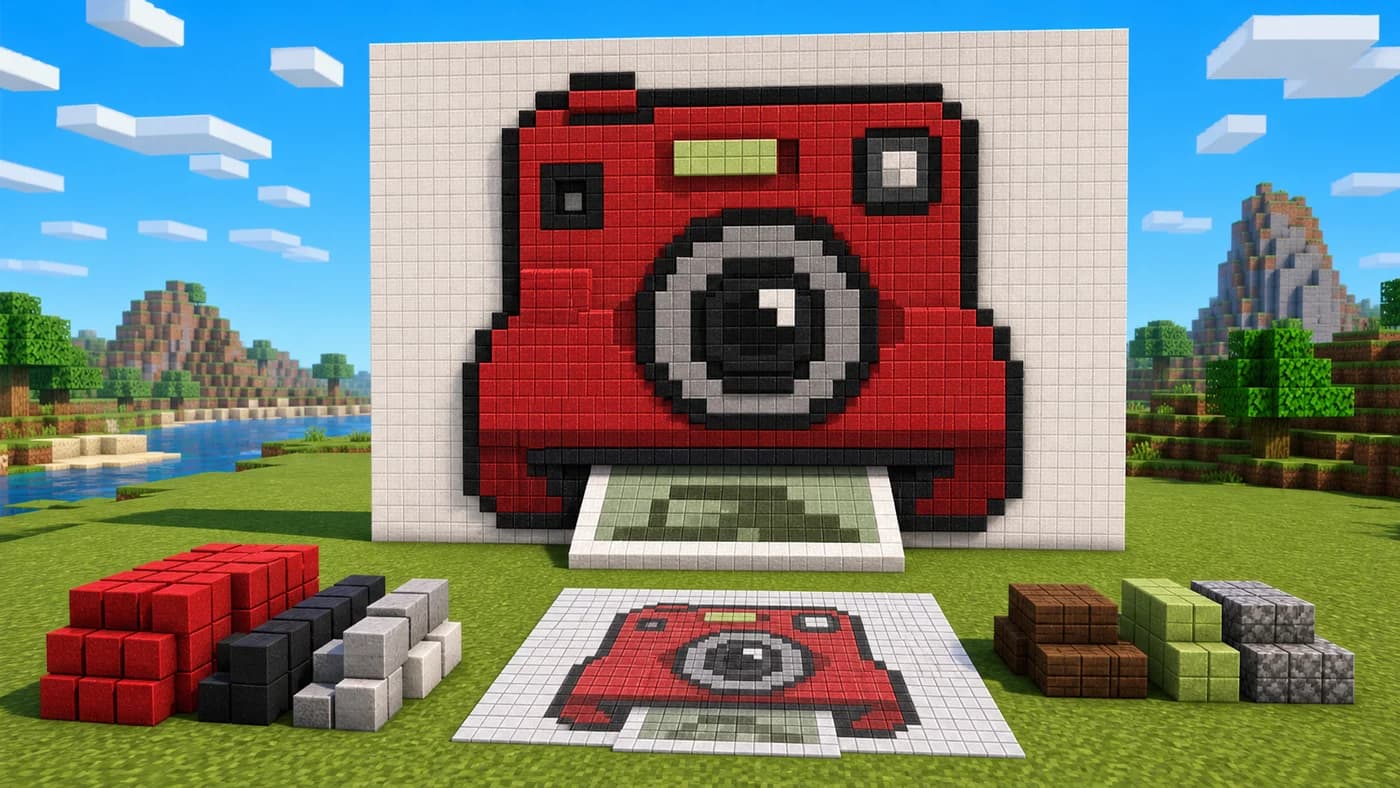
The same concept can guide cross-stitch, knitting charts, tile mosaics, and Minecraft builds, although each medium adds its own color, size, and construction constraints. A pixel grid is a shared planning model, not proof that every output is technically interchangeable.
Pixel art definition FAQ
What is a simple definition of pixel art?
Pixel art is digital art made through intentional placement and editing of individual pixels or small pixel clusters. It normally uses a controlled grid, crisp edges, and a purposeful palette.
Is every digital image pixel art?
No. Most raster images are stored as pixels, including photographs and digital paintings, but pixel art makes pixel-level structure part of the creative method and visible result.
Is a pixelated photo considered pixel art?
Not automatically. A photo enlarged until blocks appear is pixelated. It can become pixel art when the artist deliberately edits its shapes, colors, edges, and clusters at the target resolution.
Does pixel art need a limited number of colors?
There is no fixed maximum. A compact palette is common because it makes color relationships easier to control, but the useful rule is that each shade should have a clear visual purpose.
Must every pixel be drawn by hand?
No. Artists can use fills, selections, symmetry, procedural tools, or image conversion. What matters is whether the result receives intentional pixel-level decisions rather than remaining an untouched automatic effect.
What file format is best for pixel art?
PNG is a dependable choice for crisp raster art and transparency. Keep a native-resolution source and enlarge with nearest-neighbor scaling when necessary. GIF is useful for limited-color animation, while JPEG can create compression artifacts around hard edges.
The most practical way to define pixel art is by process and intent: it is an image designed through meaningful pixel-level choices. Small grids, compact palettes, clusters, and crisp scaling are common tools because they keep those choices visible. The result may feel retro, but its defining quality is deliberate construction, one cell at a time.